So, you’re thinking about moving from on-premises Remote Desktop Services (RDS) to Azure Virtual Desktop (AVD). At its core, this means swapping your physical server setup for a modern, cloud-native service managed by Microsoft.
This shift gets rid of the endless cycle of buying server hardware and wrestling with complex RDS licensing. In its place, you get a scalable, secure, and flexible solution hosted right in Azure. For many Australian businesses, it’s the logical next step to properly support a hybrid workforce.
TLDR
This guide is your complete playbook for the entire RDS to AVD migration process, from the initial planning sessions right through to post-launch optimisation. We’ll dig into the real financial and security wins you can expect, walk through the technical steps for moving users and apps, and show you how to lock down your new cloud environment. Ultimately, you’ll see exactly how to replace that ageing RDS hardware with a modern virtual desktop solution that grows with you.
Is an RDS to AVD Migration Right for Your Business?
Navigating the Shift to Cloud Desktops
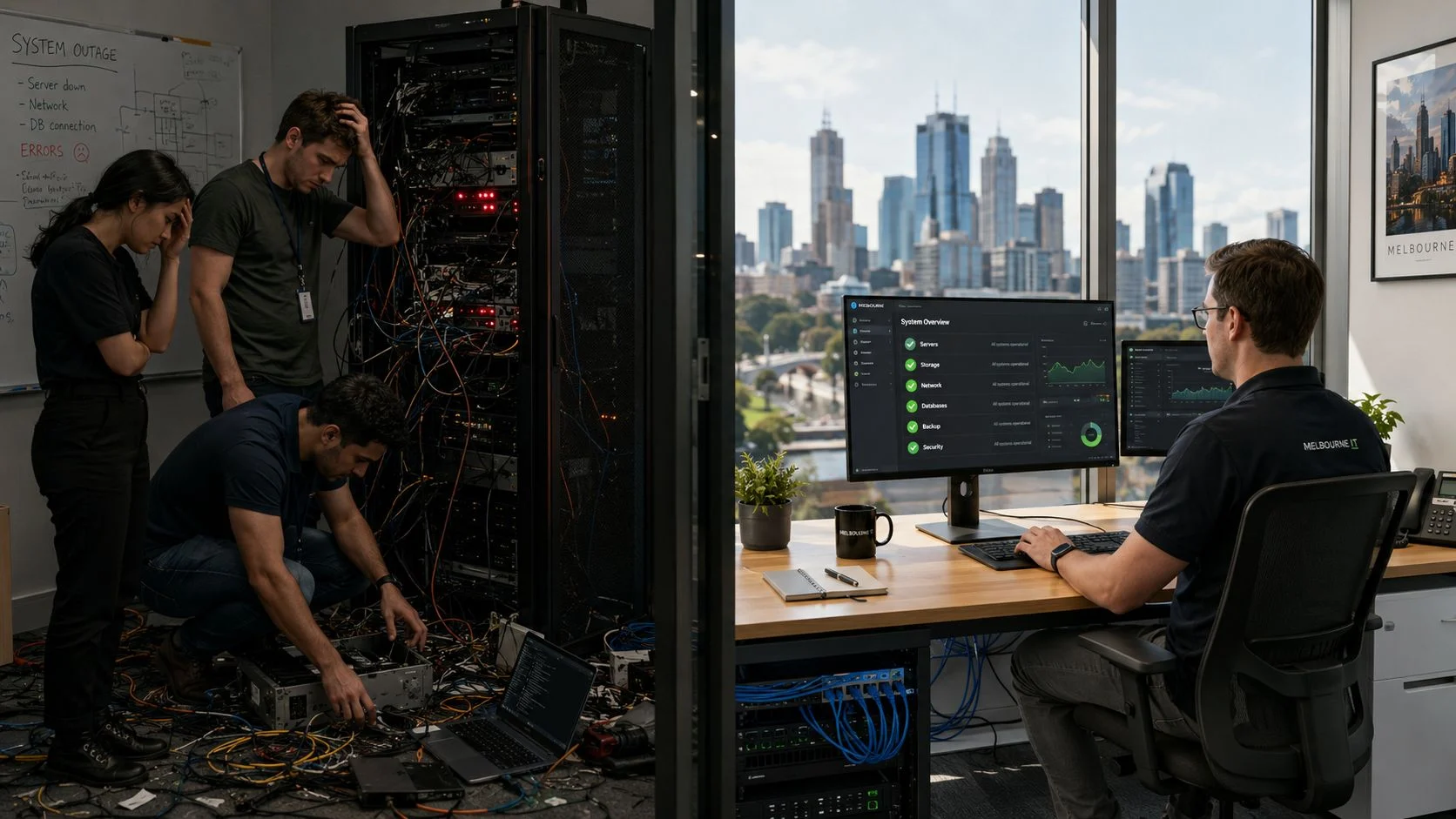
If you’re managing an on-prem RDS environment, you know the headaches. The constant cycle of hardware refreshes, confusing licensing, and nagging security worries can feel like a full-time job in itself. This guide tackles those pain points head-on, positioning AVD as the modern, cloud-based answer.
We’ll skip the heavy technical jargon and give you a clear, actionable roadmap designed for Australian SMBs. This is all about making the move to a smoother, more secure, and cost-effective remote desktop experience.
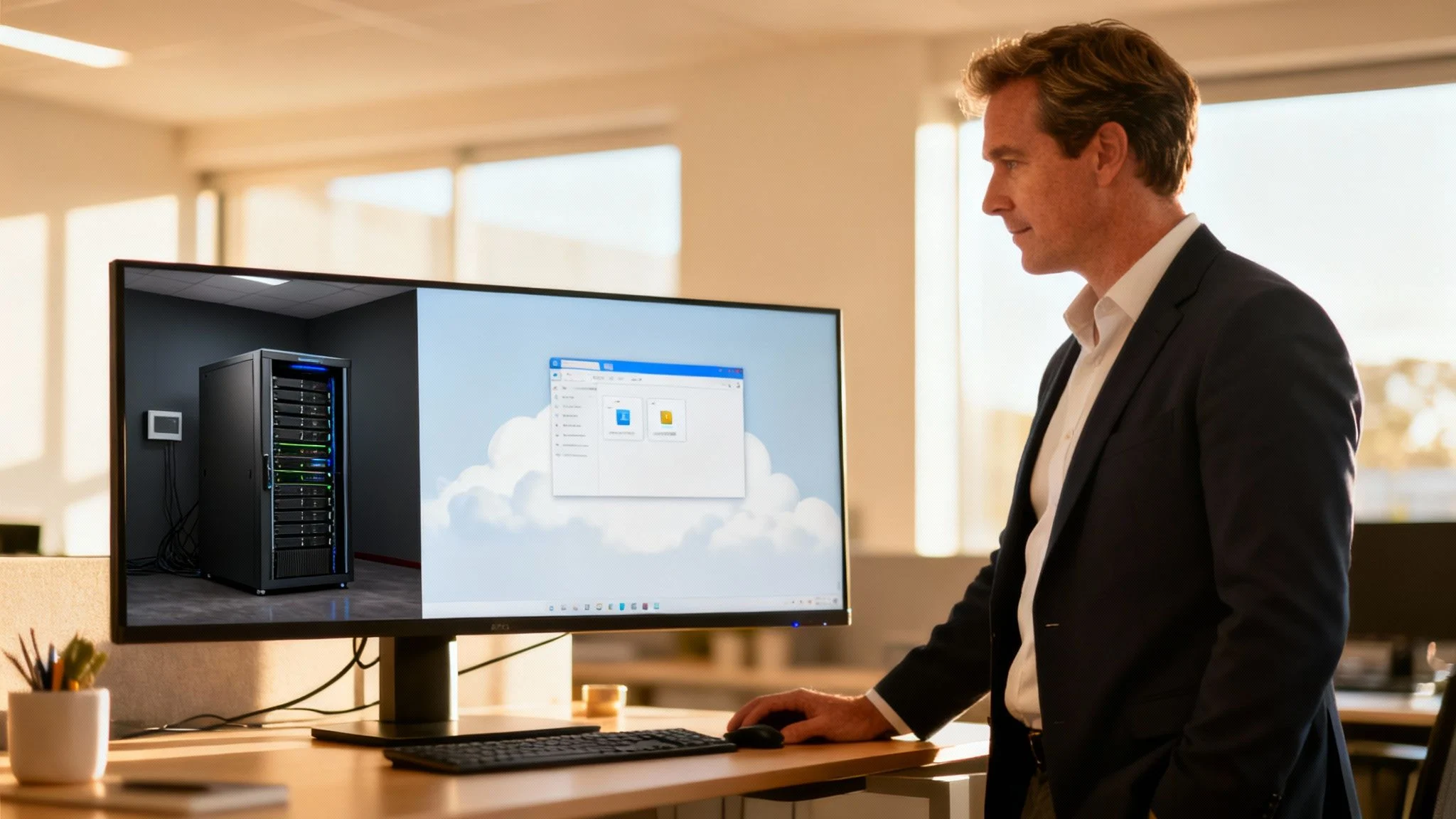
This migration isn’t just a simple upgrade; it’s a fundamental change in how you deliver apps and desktops to your team. Instead of managing servers tucked away in an office or a local data centre, you’re moving to a consumption-based model in the cloud. You can find more details on the general benefits of Azure cloud for small business in our dedicated article.
So, what are the key advantages of making the switch?
- Enhanced Security: AVD plugs directly into Microsoft’s advanced security stack. This immediately reduces your attack surface by getting rid of those publicly exposed RDP ports that are a constant target.
- Cost Efficiency: Say goodbye to big capital expenses for server hardware. You can also lower your licensing costs by using the Microsoft 365 entitlements you might already be paying for.
- Greater Scalability: Need to add 10 new staff members tomorrow? No problem. You can scale your desktop environment up or down in minutes, paying only for what you actually use.
- Improved User Experience: Deliver a consistent, high-performance desktop to your team, no matter where they are or what device they’re using.
Throughout this guide, we’ll break down each stage of the RDS to AVD migration, giving you the practical insights you need to make the right call for your organisation.
Why Australian Businesses Are Moving from RDS to AVD
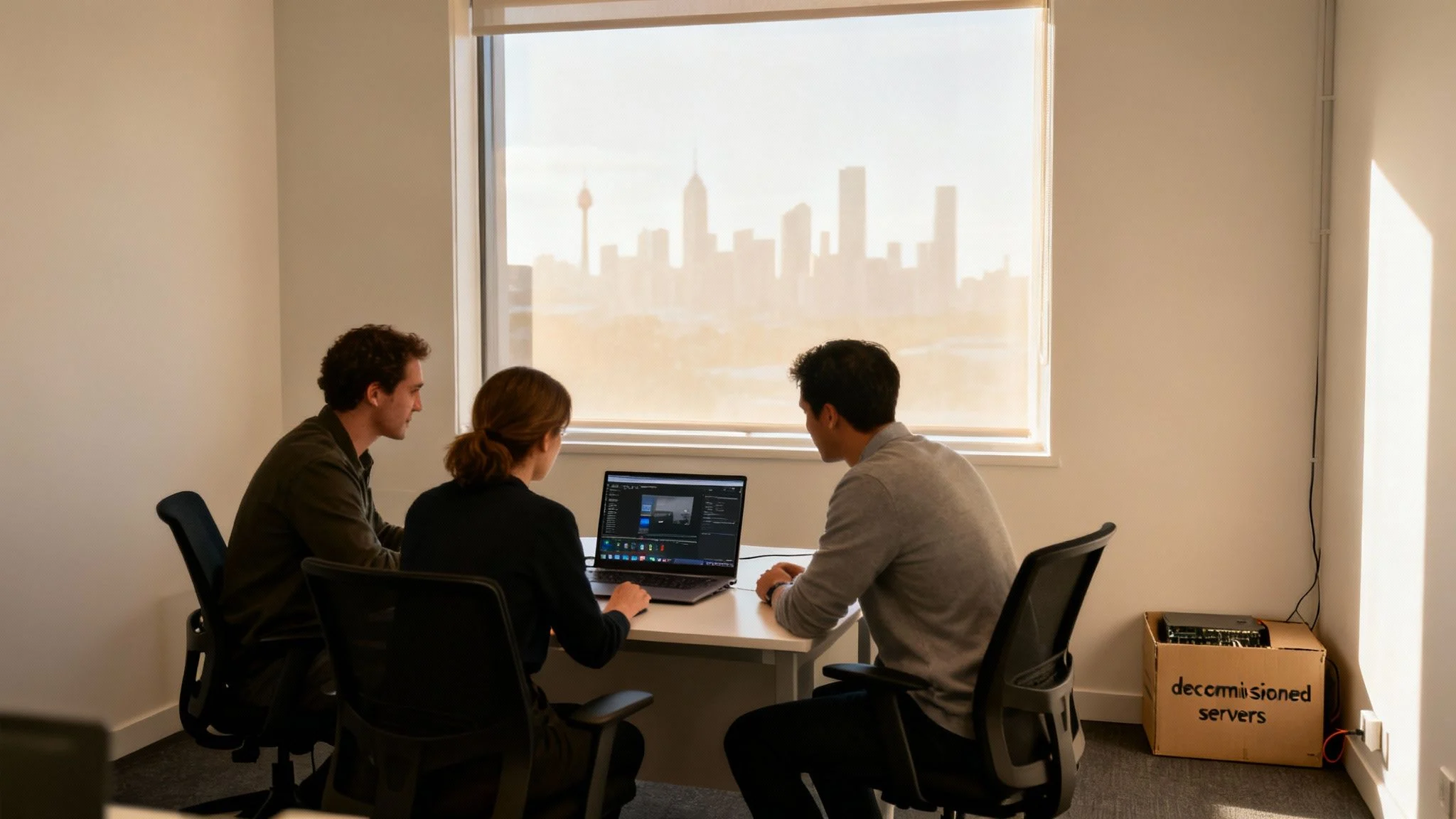
The move from on-premises Remote Desktop Services (RDS) to Azure Virtual Desktop (AVD) isn’t just another tech upgrade for Australian businesses. It’s a strategic shift, and it’s happening for good reasons. We’re seeing more and more organisations making this jump, driven by very real financial and operational pains tied to managing physical hardware.
For many, the motivation is simple: they want tangible cost savings, better performance for their hybrid teams, and a more resilient way of working. Let’s dig into the business case and see why the numbers make so much sense.
Unlocking Direct Financial Savings
Any conversation about moving to the cloud usually starts with the bottom line. A traditional RDS setup means heavy capital investment in servers, not to mention the ongoing operational costs that sneak up on you—power, cooling, and the physical space they occupy. These are significant expenses for any Melbourne business. AVD flips this model on its head.
One of the first and biggest wins comes from licensing. With AVD, the requirement for separate RDS Client Access Licenses (CALs) often disappears completely. Access rights are frequently included in existing Microsoft 365 Business Premium, E3, or E5 subscriptions—licences many businesses are already paying for. This alone simplifies things and can slash your software costs.
Then there’s the hardware. By moving your desktop environment to Azure, you can finally say goodbye to the costs of:
- Server Purchases: No more stressful five-year hardware refresh cycles.
- Power and Cooling: A smaller server footprint means a direct cut to your electricity bills.
- Maintenance: Less time and money spent patching and babysitting physical machines.
A Forrester Total Economic Impact study found that companies moving from on-premises RDS to AVD cut their virtual desktop licensing and infrastructure costs by up to 34% per year. That’s a clear, powerful argument for reducing your operational spend.
Boosting Team Productivity and Performance
Beyond the hard savings, AVD delivers a massive boost to productivity. The same Forrester study calculated an average of 22 person-hours of productivity improvement per AVD user each year. This comes from faster onboarding, more reliable connectivity, and less downtime from maintenance or security headaches.
You can dig into the full analysis in the Total Economic Impact™ Of Microsoft Azure Virtual Desktop report.
For an Australian business with remote or hybrid teams, performance is everything. Laggy connections and a poor user experience will kill productivity faster than anything. This is where local Azure data centres in Sydney and Melbourne give you a home-ground advantage. Hosting your virtual desktops close to your users minimises latency, delivering a snappy, responsive experience that feels just like working on a local PC.
If you want a complete overview, check out our guide on using a virtual desktop in Azure.
Comparing On-Premises RDS with Azure Virtual Desktop
To make the differences crystal clear, let’s break them down side-by-side. This table highlights why AVD is becoming the go-to for modern SMBs.
| Feature | On-Premises RDS | Azure Virtual Desktop (AVD) |
|---|---|---|
| Cost Model | High upfront CapEx (servers, licenses), plus ongoing OpEx (power, cooling, maintenance). | Pay-as-you-go OpEx model. Reduces or eliminates hardware costs. |
| Licensing | Requires Windows Server licenses plus separate RDS CALs for each user/device. | Included in many existing Microsoft 365 plans (e.g., Business Premium, E3, E5). No RDS CALs needed. |
| Scalability | Rigid. Scaling up requires purchasing and provisioning new physical hardware, which takes time and money. | Highly elastic. Scale session hosts up or down in minutes to match user demand. |
| Management | Requires hands-on management of servers, gateways, brokers, and load balancers. Complex and time-consuming. | Microsoft manages the underlying infrastructure (control plane), simplifying management for your IT team. |
| Security | Security is your responsibility. Requires careful configuration of firewalls, gateways, and patching. | Advanced security features built-in, including Reverse Connect, Azure AD integration, and conditional access. |
| User Experience | Performance depends entirely on your hardware and network connection to the office. Can be slow for remote users. | Optimised for a great user experience with local Azure data centres reducing latency. Access from anywhere. |
Ultimately, the table shows a clear shift from a complex, capital-intensive model to a flexible, operating-cost model that’s far better suited to the way we work today.
The Strategic Advantage for Australian SMBs
It all adds up to a compelling argument for making the switch. This isn’t just about chasing new technology; it’s about building a more resilient, efficient, and secure business. You get the power to scale your team up or down on demand without worrying about hardware, all while giving them the best possible tools to do their job, no matter where they are.
For a Hillside-based provider like us, these numbers aren’t just theoretical—they translate into real-world wins for our clients. An SME with just 50 AVD users could realistically reclaim over 1,100 productive hours a year, while also carving a huge chunk out of its old hardware and power bills. When the environment is properly managed and optimised, those benefits just keep compounding.
Your Practical Migration Planning Checklist
A successful RDS to AVD migration hinges on a solid plan, not a leap of faith. Just jumping into the cloud without proper prep is a recipe for surprise costs, shoddy performance, and some very unhappy users. Think of this section as your pre-flight checklist, designed to get you from A to B smoothly.
We’ll walk through how to properly size up your current RDS setup, get your Azure foundations right, and make sense of the often-confusing licensing landscape. A bit of thoughtful planning today prevents a world of headaches tomorrow.
Assess Your Current RDS Environment
Before you can plan your move, you need a crystal-clear picture of what you have right now. This means documenting every piece of your existing RDS setup. This isn’t just about counting servers; it’s about understanding how your team actually works day-to-day.
Start by cataloguing these key details:
- User Workloads: How many people are on the system? More importantly, what kind of users are they? Are they light users running a couple of office apps, medium users with multiple programs and web browsers open, or power users hammering graphics-intensive software? This directly impacts the VM sizes you’ll need in Azure.
- Application Inventory: Make a list of every single application deployed on your RDS servers. Flag the mission-critical ones and make a special note of any old, legacy software that might have quirky requirements.
- Performance Baselines: Get some real data. Measure your CPU, RAM, and disk usage during peak business hours. This information is gold for right-sizing your AVD session hosts and stops you from overspending on resources you simply don’t need.
Don’t just guess what your users need. A quick survey asking which applications are most critical to their job can uncover dependencies you might have missed. It’s a simple step that can prevent major disruptions down the line.
Define Your Azure Prerequisites
Once you know what you’ve got, it’s time to prepare your new home in Azure. This is the foundational work that ensures your AVD deployment is secure, stable, and ready to go. Getting these pieces right isn’t optional—it’s essential for a successful migration.
Here’s what you need to get in place:
- Azure Subscription: First, you need an active Azure subscription. If you’re brand new to Azure, you’ll have to set one up and get your billing and governance policies sorted from the very beginning.
- Virtual Network (VNet) Configuration: Create a VNet in the Australian Azure region closest to your users, like Australia East (Sydney) or Australia Southeast (Melbourne). This network will house your AVD session hosts, so it needs to be configured with the right IP address spacing and subnets.
- Connectivity to On-Premises Resources: Figure out how your AVD environment will talk back to any resources still on-premises, like file servers or domain controllers. This usually means setting up a Site-to-Site VPN or an ExpressRoute connection. Proper DNS configuration here is critical to make sure everything can find everything else seamlessly.
For a deeper dive into getting cloud-ready, you can review our comprehensive Azure Migrate Guide, which covers many of these foundational steps in more detail.
Understand AVD Licensing and Costs
One of the best things about moving from RDS to AVD is how much simpler (and cheaper) the licensing can be. Unlike traditional RDS which needs separate Client Access Licenses (CALs), AVD access rights are often already included in the Microsoft 365 subscriptions you’re likely paying for.
You’re probably covered if your users have one of these common licenses:
- Microsoft 365 Business Premium
- Microsoft 365 E3 or E5
- Windows 10/11 Enterprise E3 or E5
This means your main ongoing cost shifts to Azure consumption—the virtual machines, storage, and networking your AVD environment actually uses. Getting your head around this pay-as-you-go model is key to keeping your budget in check.
Plan for User Profiles with FSLogix
A user’s profile—all their settings, shortcuts, and data—is what makes their desktop feel like their desktop. In a dynamic environment like AVD where users might land on a different virtual machine each day, managing these profiles is everything. This is where FSLogix comes in.
FSLogix has become the go-to standard for AVD. It cleverly separates the user profile from the VM and stores it on a centralised file share, like Azure Files or Azure NetApp Files. When a user logs in, their profile container is instantly attached to their session host, giving them a consistent, seamless experience every single time. A solid FSLogix plan can be the difference between a happy team and a support ticket nightmare.
Create a Phased Rollout Strategy
Whatever you do, avoid a “big bang” migration where you move everyone over at once. A phased approach is far safer, minimises risk, and lets you gather priceless feedback as you go.
Start with a small pilot group of tech-savvy users from a few different departments. Let them test all the critical applications and workflows. This initial group will help you iron out any kinks before they affect the whole organisation.
Once the pilot is a success, you can start migrating everyone else in manageable waves. This controlled rollout makes for a much smoother and more predictable transition for everybody.
Getting Your Hands Dirty: The Core Migration Process
Alright, the planning is done, the strategy is set. Now it’s time to roll up our sleeves and get into the technical side of things. This is where we turn that roadmap into a real, functioning Azure Virtual Desktop environment for your team.
We’ll break down the hands-on tasks into clear, manageable chunks, taking this migration from a concept on paper to a high-performing desktop solution.
This diagram shows the high-level journey, moving from assessment and prep work right through to a live pilot for your first group of users.
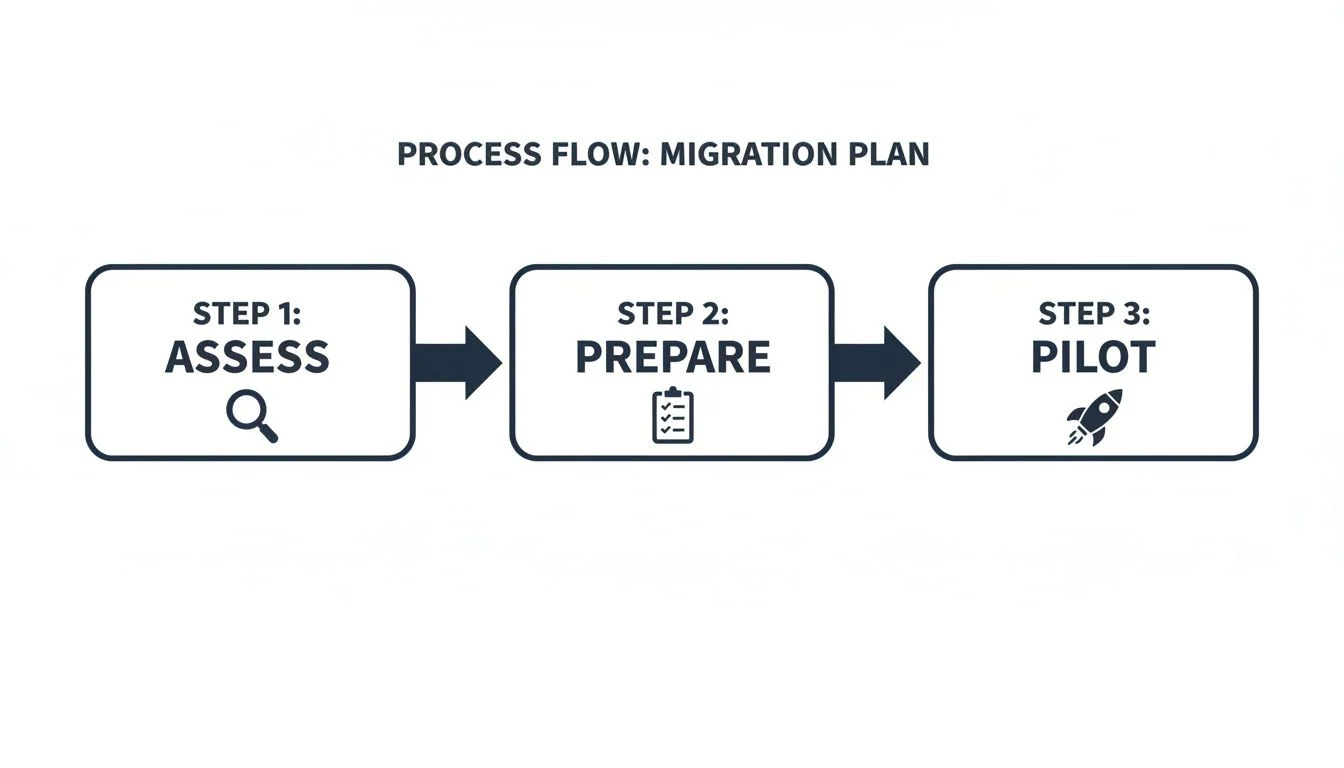
Following a structured process like this is key. Each step builds on the last, which seriously cuts down the risk of mistakes or things getting missed along the way.
Setting Up Your AVD Host Pool
The host pool is the absolute heart of your AVD setup. Think of it as a collection of Azure virtual machines (VMs) that serve up desktops and apps to your users. Getting this part right is non-negotiable for both performance and keeping costs in check.
When you create your host pool, you’ll need to pick a load balancing algorithm. For most businesses, breadth-first load balancing is the way to go. It spreads user sessions evenly across all the available session hosts, which stops one VM from getting hammered while others are sitting idle.
Choosing the right VM size is another huge decision, and this is where your assessment data really shines. A good starting point for your average office worker might be a D-series or E-series VM. But for your power users—the ones running heavy-duty software—you’ll probably need something with a bit more CPU or RAM. The trick is to start with your baseline and then keep a close eye on performance.
Building and Customising Your Master Image
Instead of setting up every single session host by hand (which would be a nightmare), you’ll create one master image. This is basically a template VM that has everything you need baked in: the operating system (like Windows 10 or 11 Enterprise multi-session), all your essential business apps, and any custom settings.
The process is pretty straightforward:
- Deploy a basic VM from the Azure Marketplace.
- Install all your software – from Microsoft 365 right through to your specific line-of-business applications.
- Apply system optimisations to make sure the image is properly tuned for a multi-user environment.
- Capture the image using Azure’s tools. This turns it into a reusable template for spinning up new session hosts.
A clean, well-built master image is your best friend. Seriously. Keep it updated with the latest security patches and app versions. It makes rolling out updates to your entire host pool as simple as deploying new hosts from the refreshed image.
Migrating User Profiles and Data with FSLogix
A smooth user experience all comes down to good profile management. When you move users from RDS to AVD, you need to bring their profiles with them—all their settings, shortcuts, and app data. This is where FSLogix becomes absolutely essential.
The job involves shifting existing user profile disks (UPDs) or roaming profiles over to a new FSLogix profile container. This container lives on a centralised file share, like Azure Files. For big datasets, tools like Azure Storage Explorer or Robocopy can automate the transfer and save you a ton of time. You’ll need to plan the cutover carefully to keep any downtime to a minimum.
This profile migration is a core part of most cloud transitions, much like the steps we cover in our small business server migration service guide.
Handling Application Migration
Moving your applications is often pretty simple, especially for modern software that can just be installed on the master image. Legacy apps, though, can sometimes throw a spanner in the works. If you’ve got an old app that isn’t compatible with a multi-session OS, you might need to set up a dedicated host pool with a single-session OS just for those users.
Another great strategy for those tricky applications is MSIX app attach. This technology packages apps into containers that can be dynamically attached to a user’s session when they log in, rather than being installed permanently on the master image. It keeps your image lean and makes managing applications a whole lot easier.
Securing Your New AVD Environment

Moving your desktops to the cloud isn’t just an operational shift; it’s one of the biggest opportunities you’ll get to fundamentally overhaul your security. Shifting from on-prem RDS to AVD lets you leave behind an outdated, vulnerable security model for a modern, more resilient framework.
The most significant and immediate win? You get to shut the door on publicly exposed RDP ports for good. In a classic RDS setup, those open ports are a constant, blinking target for automated attacks and brute-force attempts. AVD uses a “reverse connect” technology, which means your session hosts never sit directly on the public internet.
This simple change dramatically shrinks your attack surface from day one. It’s a total shift from a fragile perimeter-based defence to a much stronger, identity-centric security model managed entirely within Azure.
Strengthening Access with Microsoft Entra ID
The heart and soul of AVD security is its native integration with Microsoft Entra ID (what most of us still call Azure AD). This is where you can enforce powerful, modern authentication methods that are clunky or impossible to implement in a standard on-prem RDS world.
Two features, in particular, are absolute game-changers for stopping unauthorised access:
- Conditional Access Policies: Think of these as smart rules for logging in. You can create policies to block sign-ins from suspicious locations, demand extra checks if a user is on a new device, or even restrict access based on the health of their computer. It’s intelligent, context-aware security.
- Multi-Factor Authentication (MFA): This should be non-negotiable. Implementing Multi-Factor Authentication (MFA) is the single most effective way to protect user accounts. It forces users to prove their identity with a second factor, like a code from their phone, stopping credential theft in its tracks.
These tools work hand-in-hand to build a layered defence around user identity, which is the new security perimeter. This also ties directly into how you manage the devices themselves, something we dive into in our guide to Intune mobile device management.
Centralised Monitoring with Microsoft Defender for Cloud
Once you’re up and running, you need eyes on the environment. This is where Microsoft Defender for Cloud comes in. It acts as your central security command centre, giving you threat detection and monitoring across your entire AVD deployment and other Azure services.
It consolidates everything into a single pane of glass, allowing you to:
- Spot and assess security vulnerabilities on your session hosts before they become problems.
- Detect and respond to active threats in real-time.
- Make sure your setup aligns with security best practices and compliance standards.
This kind of centralised visibility is a world away from the old method of trying to piece together logs and alerts from scattered on-prem servers and network gear.
The shift from perimeter-based RDS security to identity-centric AVD security materially reduces the likelihood of credential theft and ransomware incidents. For smaller Australian organisations, preventing these risks can be the difference between thriving and closing down.
Australian businesses are under constant pressure to secure remote access, and legacy RDS environments are a well-known weak point. We often see local clients decommission anywhere from 2 to 10 servers in their on-premises RDS control layer when they move to AVD. That immediately cuts down the number of systems you need to patch, secure, and worry about. This modern, integrated approach is far more effective than trying to bolt third-party security tools onto an ageing RDS setup.
Let Tbourke Solutions Handle Your Migration
A detailed guide gives you the map, but executing a smooth RDS to AVD migration requires experience. With many moving parts, from network configuration to application testing, having a seasoned partner can be the difference between a seamless transition and a project fraught with delays and user frustration.
At Tbourke Solutions, we specialise in helping Australian businesses navigate this exact journey. We can manage the entire project from start to finish, letting you focus on what you do best: running your business.
Our services include:
- End-to-End Project Management: We oversee every stage, from initial discovery and planning to post-launch support and optimisation.
- Hands-On Technical Execution: Our team handles the technical heavy lifting, including host pool creation, master image management, and FSLogix configuration.
- Performance and Cost Optimisation: After going live, we help fine-tune your AVD environment to ensure you get the best performance without overspending on Azure resources.
Engaging an expert provides more than just technical help; it offers a strategic blueprint to de-risk your move to the cloud. You can gain valuable insights into this structured approach by reading a technical playbook for cloud migration consultation.
Ready to discuss your migration? Let’s schedule a no-obligation chat. You can submit a query through our contact page to get started.
Frequently Asked Questions About RDS to AVD Migration
Moving from a familiar system like RDS to a modern platform like Azure Virtual Desktop naturally brings up questions. Here are answers to some of the most common queries we hear from businesses considering the switch.
What happens to our existing RDS licences?
This is often the first question, and the answer is good news. You can say goodbye to RDS Client Access Licenses (CALs). They are not required for AVD, which simplifies licensing and often reduces costs. AVD access rights are typically included in many Microsoft 365 and Windows subscriptions you may already have, such as Microsoft 365 Business Premium, E3, or E5.
Can we use our current applications on AVD?
For most businesses, the answer is yes. Standard Windows applications that run in your RDS environment will work seamlessly on AVD. For critical legacy apps that might have compatibility issues, we have strategies like dedicated host pools or modern techniques like MSIX app attach to ensure your essential tools keep running smoothly.
How much does an RDS to AVD migration typically cost?
The investment breaks down into two parts: the one-time project cost for the migration and the ongoing Azure consumption costs for the cloud resources you use. While there’s an upfront project cost, the long-term savings from eliminating server hardware purchases and simplifying licensing are significant. The final cost depends on factors like user numbers and application complexity, so a personalised quote provides the most accurate figure.
Is AVD more secure than our on-premises RDS?
Absolutely. AVD is built on a modern, zero-trust security model that is fundamentally more robust than a typical on-premises RDS setup. It uses a “reverse connect” technology, meaning your session hosts are never directly exposed to the internet, which drastically reduces your attack surface. It also integrates seamlessly with powerful Microsoft security tools like Multi-Factor Authentication (MFA) and Conditional Access policies, providing layers of protection that are difficult to achieve with a traditional setup.
Navigating the specifics of an RDS to AVD migration is what we do best. Tbourke Solutions can manage the entire process, ensuring a smooth and secure transition that’s tailored to how your business actually works. Ready to talk about your project? Just reach out via our contact page.
Share This Story, Choose Your Platform!