
So, what exactly is Azure Migrate? Think of it as Microsoft’s command centre for moving your on-premises servers, apps, and data into the Azure cloud. It’s not just one tool, but a whole suite designed to guide your entire migration project, giving you data-driven insights to make the transition as smooth as possible.
This guide is your A-to-Z walkthrough of an Azure migration. We kick things off by laying the strategic groundwork, defining your business goals and getting your current environment ready. From there, we dive into using the Azure Migrate tools to properly discover and assess what you have, which is crucial for getting accurate cost estimates and readiness reports. Finally, we get into the nuts and bolts of moving your virtual machines and databases, wrapping up with the critical steps for managing costs and locking down security once you’re in the cloud.
Your Roadmap to a Successful Cloud Migration
Shifting your business from on-premise servers to the cloud can feel like a massive undertaking, but with a clear plan, it’s a manageable and genuinely rewarding process. This guide is built specifically for Australian small and medium-sized organisations, breaking down the entire journey into practical, actionable phases.
We’ll cover everything from the initial planning and assessment right through to the technical heavy lifting and the all-important post-migration tweaks. The goal is to take the mystery out of Azure Migrate and give you the steps you need for a successful move. If you want a broader overview of the general principles, this technical guide on how to migrate to cloud is a great starting point.
The whole thing boils down to three key stages: Discover, Assess, and Migrate.

This process highlights a simple truth: a successful migration isn’t a single ‘lift and shift’ action. It’s a structured journey that relies heavily on the data you gather in the early stages to inform the final move. Understanding the benefits of Azure cloud for small business really drives home why this methodical approach is so valuable in the long run.
Laying the Foundation for a Successful Migration
https://www.youtube.com/embed/Hf7ZTa_PlGU
A successful cloud migration isn’t about flipping a switch. It starts long before you move a single server, with the kind of groundwork that separates a smooth transition from a costly headache. Rushing this foundational stage is probably the biggest reason we see migration projects stumble, go over budget, or fail to deliver on their promise.
First up, you need to define your “why”. Seriously, what’s the real driver behind this move? Are you chasing cost savings, better application performance, or a stronger security posture? Maybe you just need the raw scalability to handle growth or a disaster recovery solution that actually works when you need it. Nailing down clear, measurable goals gives the entire project direction and a benchmark for success.
A retail business, for instance, might be aiming to eliminate website crashes during the Christmas rush. A financial services firm, on the other hand, will likely prioritise rock-solid security and compliance. Those different goals will shape every single decision you make from here on out.
Defining Your Migration Scope
Once you know why you’re moving, you need a complete picture of what’s currently running in your on-premises environment. This means a thorough inventory of all your assets. It’s not just about counting servers; it’s about understanding the complex web of connections that ties everything together.
Your inventory needs to document:
- Servers: Both your virtual and physical machines, including their specs (CPU, RAM, storage).
- Applications: What software is actually running on those servers?
- Databases: Pinpoint every database and, crucially, which applications depend on them.
- Dependencies: Map out how applications and servers talk to each other. This is absolutely critical for avoiding unexpected outages after you’ve made the move.
Trying to gather all this manually is a massive, error-prone task. This is where the discovery tools within Azure Migrate are a game-changer. These tools can automatically scan and map your entire environment, giving you the hard data you need without disrupting your day-to-day operations. This detailed view helps you group related workloads into logical “migration waves” that make sense.
Building Stakeholder Alignment
A migration project isn’t just an IT thing; it touches almost every part of the business. That’s why it’s so important to get everyone on the same page right from the very beginning. This means clearly communicating the project’s scope, timeline, and what you expect to achieve to key stakeholders, from the tech team right up to the leadership team.
A migration plan without stakeholder buy-in is just a technical document. A plan with unified support becomes a strategic business initiative, ensuring resources are available and expectations are managed throughout the process.
As you start pulling your strategy together, leaning on a proven framework is a smart move. This Azure Cloud Adoption Framework guide offers a structured approach that helps you organise your efforts and stick to best practices. Getting that alignment means everyone understands their role and the real value the migration brings to the business. This groundwork is non-negotiable if you want to minimise risks and keep the project on track.
This strategic shift to the cloud is gathering serious momentum across Australia. In fact, by 2025, Aussie enterprises are projected to spend over AUD 26 billion on public cloud services. A huge driver for this is data sovereignty, making local Azure regions like Australia East (Sydney) and Australia Southeast (Melbourne) the go-to choices for compliance and low latency. This local focus is a core part of our expertise in delivering effective infrastructure cloud services.
Using Azure Migrate for Discovery and Assessment

With a solid plan sketched out, it’s time to switch from educated guesses to hard data. This is exactly where the Azure Migrate toolkit comes into its own, acting as your intelligence-gathering agent inside your on-premises environment. Honestly, this discovery and assessment phase is probably the most important step of all. The quality of the data you collect here will make or break the success, cost, and efficiency of your entire project.
The process kicks off by deploying the Azure Migrate appliance. Don’t worry, this isn’t some huge piece of hardware. It’s just a lightweight virtual machine you set up inside your network, whether you’re running on VMware, Hyper-V, or even have physical servers. Once it’s up, it starts connecting to your servers to quietly collect configuration and performance data.
One of its best features is that it’s completely agentless. This means you can gather a huge amount of information without installing anything on your production machines, avoiding disruption and sidestepping complex change control processes. It simply sits there and observes, building a complete, accurate picture of your IT landscape.
Kicking Off the Discovery Process
Once the appliance is up and running, it automatically gets to work identifying your on-premises servers and the applications running on them. But it’s doing much more than just building a simple inventory list. The tool gathers crucial performance metrics over time, think CPU utilisation, memory usage, and disk IOPS (Input/Output Operations Per Second).
This performance history is gold. A server might have been originally provisioned with a mountain of resources but, in reality, only uses a tiny fraction of them. Azure Migrate captures this real-world usage data, which is absolutely essential for rightsizing your virtual machines in Azure and avoiding wasted spend.
Another incredibly powerful feature is dependency mapping. The tool can actually visualise the network connections between all your servers. This is how you uncover those hidden, “I had no idea that server talked to that one” dependencies, making sure you group servers that rely on each other into the same migration wave.
Interpreting Your Assessment Reports
After you’ve let the appliance collect data for a recommended period, usually a few weeks is enough to capture any peak usage cycles, you can generate an assessment report. This report is your migration blueprint, turning all that raw data into clear, actionable insights. It shows you which machines are ready for Azure, what your estimated monthly costs will look like, and if any tweaks are needed before you move.
The real magic of the assessment is how it completely removes guesswork. Instead of migrating a server with 16 CPU cores and 64GB of RAM just because that’s its current spec, the report might recommend an Azure VM with 8 cores and 32GB of RAM based on actual performance. That’s a direct and significant cost saving.
To help you get a feel for what you’re looking at, we’ve broken down the key data points you’ll find in the report.
Key Metrics in Your Azure Migrate Assessment Report
The Azure Migrate assessment report is packed with information. Here’s a quick rundown of the most important metrics and what they mean for your migration strategy.
| Metric | What It Tells You | Why It’s Important |
|---|---|---|
| Azure VM Readiness | A clear “Ready,” “Ready with conditions,” or “Not ready” status for each server. | This instantly flags which machines you can lift-and-shift and which ones need remediation before migration. |
| Recommended VM Size | A specific Azure VM series and size (e.g., Standard_D4s_v3) based on performance data. | This is the core of rightsizing. It prevents over-provisioning and ensures you only pay for the resources you actually need. |
| Estimated Monthly Compute Cost | The projected monthly cost for the recommended Azure VM. | This gives you a predictable budget for your compute resources, helping you build a solid business case. |
| Estimated Monthly Storage Cost | The projected cost for managed disks, based on disk size and performance tier (e.g., Premium SSD, Standard SSD). | Storage is a key part of your cloud spend. This metric helps you understand and control those costs from day one. |
| Dependency Analysis | A visual map showing network traffic and dependencies between servers. | Crucial for planning migration waves. It ensures you move interconnected applications together to avoid latency and performance problems. |
Understanding these metrics is the difference between a rough estimate and a data-driven migration plan you can rely on.
Let’s put this into a real-world context. Imagine an accounting firm in Melbourne wanting to move its on-premises SQL database and a separate application server to the cloud. By running Azure Migrate, they discover two key things: the SQL server is hammered during month-end reporting but is pretty quiet the rest of the time, and the application server has a constant, chatty connection to it.
Based on this, their assessment report gives them:
- A rightsized recommendation for a smaller, more cost-effective Azure SQL instance that can easily scale up during those busy periods.
- Clear confirmation that the application and SQL servers must be migrated together to prevent performance-killing network latency.
- A detailed cost breakdown covering compute, storage, and networking, giving them a predictable monthly budget to work with.
This data-driven approach transforms what could have been a complex technical headache into a manageable, predictable project, allowing the firm to confidently plan their migration in a single, well-orchestrated wave.
Executing Your Workload Migration to Azure
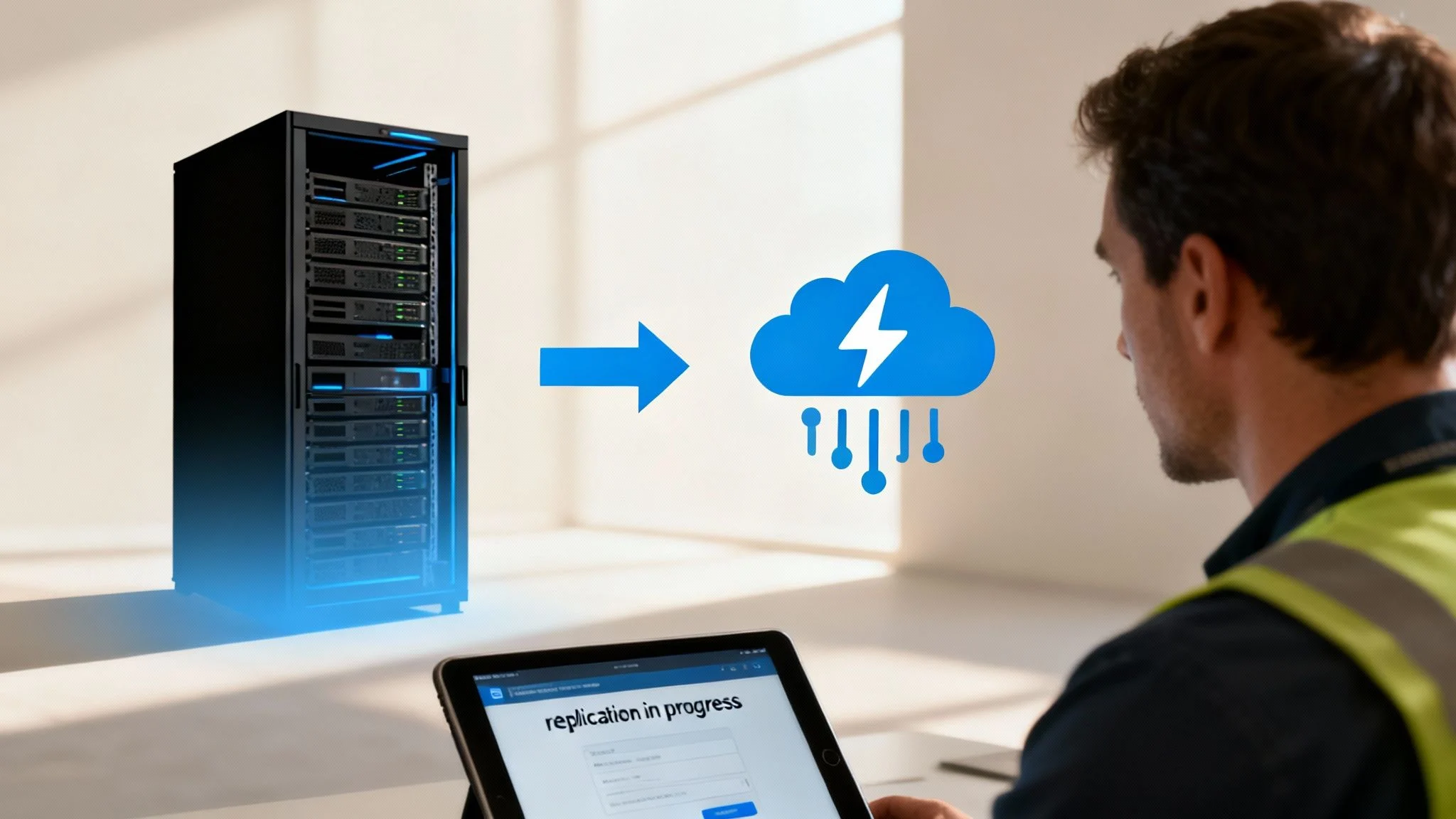
Alright, you’ve done the homework. The discovery data is in, and your migration plan is solid. Now for the exciting part, actually moving your workloads from your on-premise data centre into Azure.
For most small and medium businesses, the smartest place to start is with a “lift and shift” or rehosting strategy.
This is exactly what it sounds like: we pick up your virtual machines (VMs) and move them to Azure with minimal changes. It’s the quickest route to the cloud, letting you ditch the hardware maintenance and tap into better scalability almost immediately. The go-to tool for this job is the Azure Migrate Server Migration tool, built specifically to shift your VMware or Hyper-V VMs with as little fuss as possible.
Setting Up and Managing Replication
A cloud migration isn’t a single, risky flip of a switch. It all starts with replication. We use the Server Migration tool to create a live copy of your on-premise VMs in your chosen Azure region. This process hums away quietly in the background, keeping the Azure copy perfectly synchronised with your live servers.
The beauty of this is the minimal downtime. Your local systems keep running as normal while the data sync happens. Think of it as creating a live, up-to-the-minute backup of your servers that just happens to live in the cloud, ready to go live whenever you are.
This replication-first approach is a game-changer for any business that can’t afford to go offline for hours on end. It gets all the heavy data transfer out of the way upfront, ensuring the final cutover is fast and smooth. If you’re dealing with more complex systems like Microsoft Exchange, it pays to have a specific strategy. You can see how we tackle that in our guide on setting up an Exchange Server hybrid deployment.
The Critical Test Failover
Before you commit to the real thing, Azure Migrate gives you a crucial safety net: the test failover. This lets you spin up a copy of your replicated VMs in a completely isolated Azure network. It’s a true sandpit environment that won’t touch your live production systems, giving you a safe space to kick the tyres.
A test failover is your dress rehearsal for the main event. It’s your chance to validate that applications start correctly, databases connect, and everything performs as expected without any risk to your live business operations.
During this test, you’ll want to run through a validation checklist:
- Can you log into the servers?
- Do your critical business apps launch and work correctly?
- Is all your data there and accessible?
- How’s the performance? Run some benchmarks to make sure the Azure VMs are up to the task.
Once you’re happy with the results, you just clean up the test environment. This step is all about building confidence so that when you do the real migration, there are no nasty surprises.
Executing the Final Cutover
When you’re ready to make the final move, you’ll schedule a planned failover, or “cutover”. This is the moment you switch from your on-premise servers to the new Azure VMs. To keep business disruption to an absolute minimum, this is nearly always done during a planned maintenance window, overnight or on a weekend.
The process is straightforward: shut down the on-premise VM to stop any new data changes, let the final replication sync finish, and then trigger the failover in the Azure portal. Azure brings the new cloud VM online, and you simply update your DNS records to point everyone to the new location.
Best practice here is to create a detailed runbook. This document should spell out every single step, who is responsible for what, and a clear rollback plan just in case things don’t go as expected.
This “lift and shift” method is becoming the standard across Australia. A great example is the University of the Sunshine Coast (UniSC), which is moving its core infrastructure from two on-premise data centres to Microsoft Azure. Their first move is a classic “lift and shift,” with a longer-term plan to re-architect systems into cloud-native platforms later on. It shows how this strategy is a practical first step in a much bigger modernisation journey. This trend is backed by Microsoft’s hefty AUD 5 billion investment in its Australian data centre footprint. Discover more about this large-scale Azure migration project.
And it’s not just about VMs. Azure Migrate also has specialised tools for other workloads. The Azure Database Migration Service can move your SQL databases with minimal downtime, while the App Service Migration Assistant makes it easier to shift web applications over to Azure App Service.
Fine-Tuning Your New Azure Environment
Getting your workloads successfully moved into Azure is a huge achievement, but it’s definitely not the end of the road. In many ways, it’s just the beginning. The real, long-term value of the cloud comes from what you do next, shifting from a one-off migration project to a continuous cycle of optimisation and management.
This post-migration phase is where you lock in the cost savings, performance gains, and security benefits you were aiming for in the first place.
The very first thing to do after the cutover is a thorough validation. Before you even dream of decommissioning your old on-premises hardware, you need absolute certainty that everything is running perfectly in its new home. This isn’t just a quick check; it’s a systematic confirmation that your applications and data are secure, accessible, and performing exactly as they should be.
Your Post-Migration Validation Checklist
Putting together a simple checklist is the best way to make sure you cover all the essential bases. This methodical approach stops small issues from snowballing into big problems later on.
- Confirm Network Connectivity: Can your users actually access the applications? Can servers talk to each other and to any external services they rely on?
- Verify Application Functionality: Launch your key business applications. Run through the main user workflows to ensure every feature is working just as it did before.
- Check Performance Metrics: Use Azure Monitor to keep an eye on the CPU, memory, and disk usage of your new VMs. Does performance meet or beat what you had on-premises?
- Validate Data Integrity: For databases, run a few queries to confirm that all the data has come across correctly and is fully intact.
- Test Backup and Recovery: Configure Azure Backup for your new VMs and immediately perform a test restore. A backup you haven’t tested is not a real backup.
Mastering Azure Cost Management
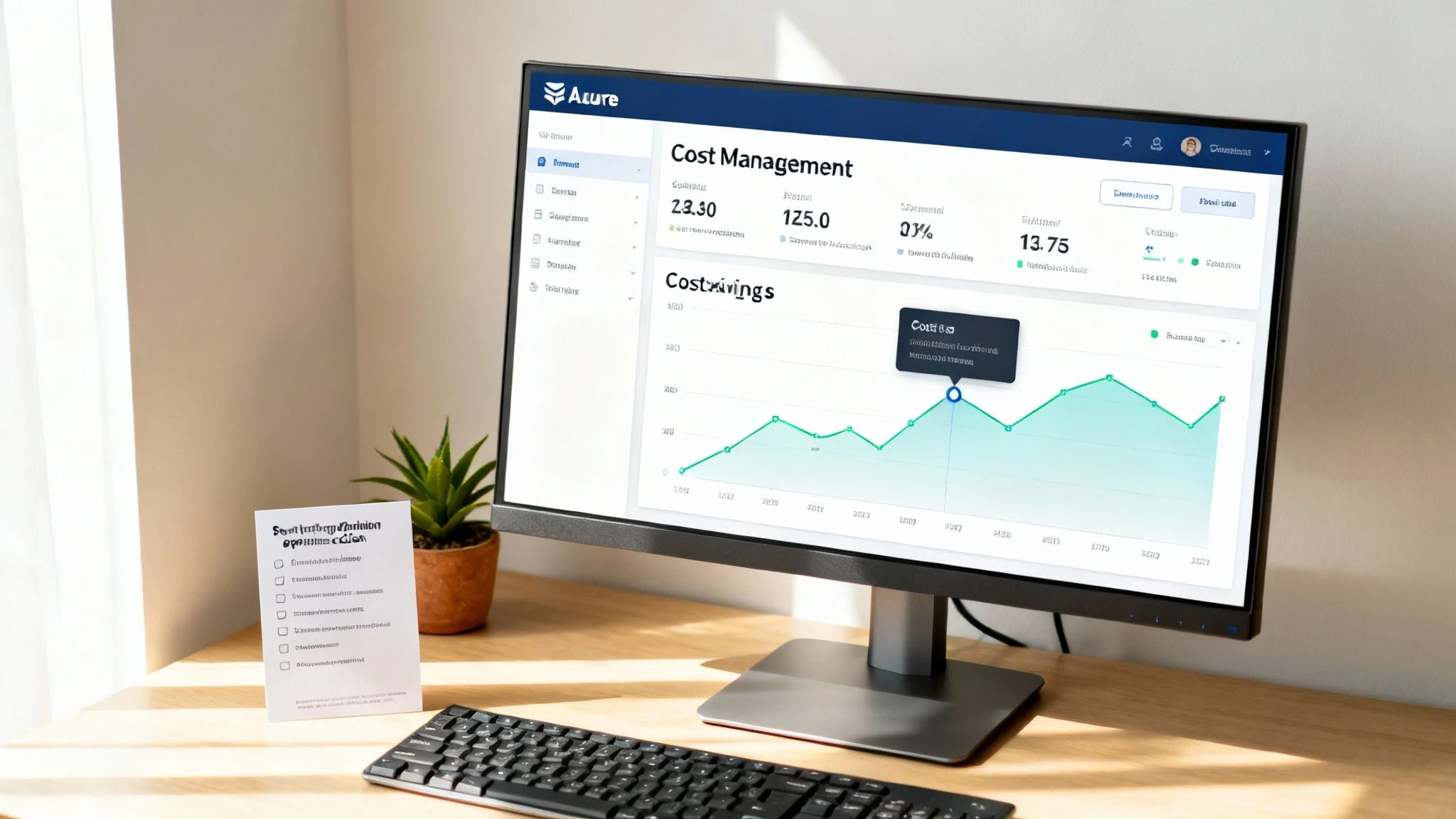
Once you’ve confirmed everything is stable, your attention should pivot straight to your costs. Cloud spending can easily get out of hand if it’s not watched carefully, but Azure gives you powerful tools to stay in control. Your main hub for this is the Azure Cost Management + Billing tool.
Start by getting a clear picture of your spending patterns to see exactly where the money is going. From there, you can set up budgets and alerts that ping you when costs are creeping up towards a certain threshold. This proactive approach helps prevent any nasty surprises at the end of the month.
Often, the biggest wins come from rightsizing your resources. Even with the best assessment, some of your VMs might be oversized for their new role. Use the performance data in Azure Monitor to spot underutilised machines and scale them down to a more appropriate, and cheaper, size.
Another key strategy is using Azure Reservations. This is where you commit to a one- or three-year term for certain resources, and in return, you get a significant discount on the pay-as-you-go price.
This focus on financial governance is a major trend for Australian businesses. According to the 2025 Azure Benchmark Report by Codify, local organisations see managing cloud costs and security as their top challenges after migrating. The report, which used data from Azure’s Australia East region, highlights how tools like Azure Migrate are critical for planning migrations that align with these optimisation goals right from the start. You can get more localised insights by reading the full Azure Benchmark Report.
Hardening Your Security Posture
Right alongside cost, security is your other top priority. Your new Azure environment needs to be locked down from day one. Microsoft Defender for Cloud is your go-to tool here, giving you a continuous assessment of your security posture.
It scans your resources for vulnerabilities, gives you a “Secure Score” with a prioritised list of recommendations, and helps you implement security best practices. This includes things like enabling multi-factor authentication for all admin accounts, restricting network access to your VMs, and applying the latest security updates as soon as they’re available. Configuring tools like these is a core part of building a resilient solution, like a secure virtual desktop in Azure.
Adopting a continuous management mindset is the key to long-term success in the cloud. It means regularly reviewing your costs, security, and performance to ensure your Azure environment stays efficient, secure, and perfectly aligned with your business needs as they evolve.
Common Questions about Azure Migrate
What does Azure Migrate actually cost?
The Azure Migrate tool itself is free to use for discovery, assessment, and planning. You only pay for the Azure services you consume during the migration process, such as storage for replication, and the resources you use after the migration is complete, like virtual machines and managed disks.
How much downtime should we expect?
Azure Migrate is designed for minimal downtime. The initial data replication happens in the background while your on-premises systems remain live. The only outage occurs during the final cutover, which is typically very brief and can be scheduled during a maintenance window to avoid disrupting business operations.
Can we migrate physical servers?
Yes. While it’s commonly used for virtual environments like VMware and Hyper-V, Azure Migrate fully supports the migration of physical on-premises servers. It uses a replication appliance to discover and replicate physical machines to Azure, allowing you to use a single toolset for your entire server estate.
Is Azure Migrate only for “lift and shift”?
No. While it excels at simple “lift and shift” (rehosting) migrations, Azure Migrate is a comprehensive hub for various migration and modernization strategies. It integrates with other specialized tools, such as the Azure Database Migration Service and the App Service Migration Assistant, to support refactoring applications and modernizing databases, not just moving servers.
How Tbourke Solutions Can Help
Moving to the cloud with Azure Migrate is a smart strategy, but it involves many complex steps. You don’t have to navigate it alone. At Tbourke Solutions, we specialize in guiding Australian small and medium organizations through a smooth, efficient, and successful transition to Azure.
Our team has extensive experience managing everything from initial strategy and assessment to the hands-on migration and post-launch optimization. We understand the unique challenges faced by local businesses and build solutions that deliver real value.
We offer a range of services to fit your needs and budget:
- End-to-End Migration Service: We manage the entire project from start to finish, allowing you to focus on your business.
- Advisory and Consulting: If you have an in-house team, we can provide the strategic oversight and technical expertise to ensure your project stays on track.
- Post-Migration Support: Our work doesn’t end at go-live. We help you optimize costs, enhance security, and ensure you get the maximum benefit from your Azure investment.
Ready to start your cloud journey with a trusted local partner? Let’s discuss your project. You can reach out and submit a query on our contact page.
Share This Story, Choose Your Platform!