A small business server migration service is a specialised IT solution that handles the entire, often tricky, process of moving your company’s data, applications, and server workloads to a new home. This might mean shifting from an old physical server in the corner of your office to the cloud, upgrading your existing hardware, or even moving between different cloud providers to get better performance, security, and value for money.
TLDR; Your Quick Summary
Struggling with an outdated, slow server? This guide explains why a server migration is so important for your small business’s performance and security. We cover the entire journey, from planning and assessing your current setup to choosing the right migration strategy, whether that’s moving to the cloud or upgrading physical hardware. You’ll get a clear, step by step walkthrough to tackle this critical project with confidence and minimal disruption.
Why Server Migration is Crucial for Modern Businesses
Let’s be honest, moving your company’s digital heart is a major project. But it’s absolutely essential for growth, security, and keeping your operations running smoothly. This guide is here to demystify the process, breaking down everything from shifting that ageing on-premises server to a modern cloud solution, to simply upgrading your physical hardware. We’ll look at the common pain points that tell you it’s time for a change and give you a clear roadmap of what’s involved.

Common Triggers for a Server Migration
Recognising the signs that your current server is holding you back is the first step. Most businesses finally decide to migrate when they start hitting the same frustrating problems over and over again.
- Lagging Performance: Slow application load times and frequent system crashes are classic signs that your hardware just can’t keep up with your business demands anymore.
- Security Gaps: Older systems often miss out on the latest security updates needed to defend against modern cyber threats, putting your critical data at significant risk.
- Rising Costs: The money you pour into maintaining and repairing ageing hardware can quickly add up and often costs more than migrating to a new, more efficient system. Our guide on when to replace an ageing server for your small business dives deeper into this.
- Lack of Scalability: As your business grows, your IT infrastructure has to be able to grow with it. An old server can easily become a bottleneck that stops you from expanding.
For businesses where the main asset is a website, the migration process has its own unique challenges. In those cases, you might find this detailed guide on how to migrate a website to a new host particularly useful.
Your Roadmap for a Smooth Server Migration
Jumping into a server migration can feel like a massive task, but this guide is here to break it all down into a clear, manageable roadmap. We’ll start at the beginning, walking you through the critical planning and assessment phase to map out exactly what you have now and what you want to achieve.
From there, we’ll explore the different ways you can get this done. Whether you’re moving from an old on-premise server to the cloud, shifting between cloud providers, or simply upgrading your physical hardware, you need to pick the right strategy. For instance, our popular guide on how to move your file server to SharePoint dives deep into one of the most common cloud-focused paths local businesses are taking.
A successful migration isn’t just about moving data; it’s about setting your business up for future growth, enhanced security, and improved efficiency.
We also get into the nitty-gritty of mitigating risks, running thorough tests after the move, and what ongoing support looks like. The goal is to make sure your business keeps running smoothly without a single hitch, long after the technical work is finished. This is all about giving you the confidence to manage this critical transition like a pro.
Laying the Groundwork for Your Server Migration
A server migration that goes off without a hitch doesn’t happen by magic. It’s the direct result of careful planning and a genuine understanding of your current IT setup. I’ve seen it time and again: rushing this initial discovery phase is one of the biggest and most costly mistakes a business can make.
Think of it like drawing up a detailed blueprint before building a house. Without that plan, you’re just asking for expensive errors and frustrating delays down the track.
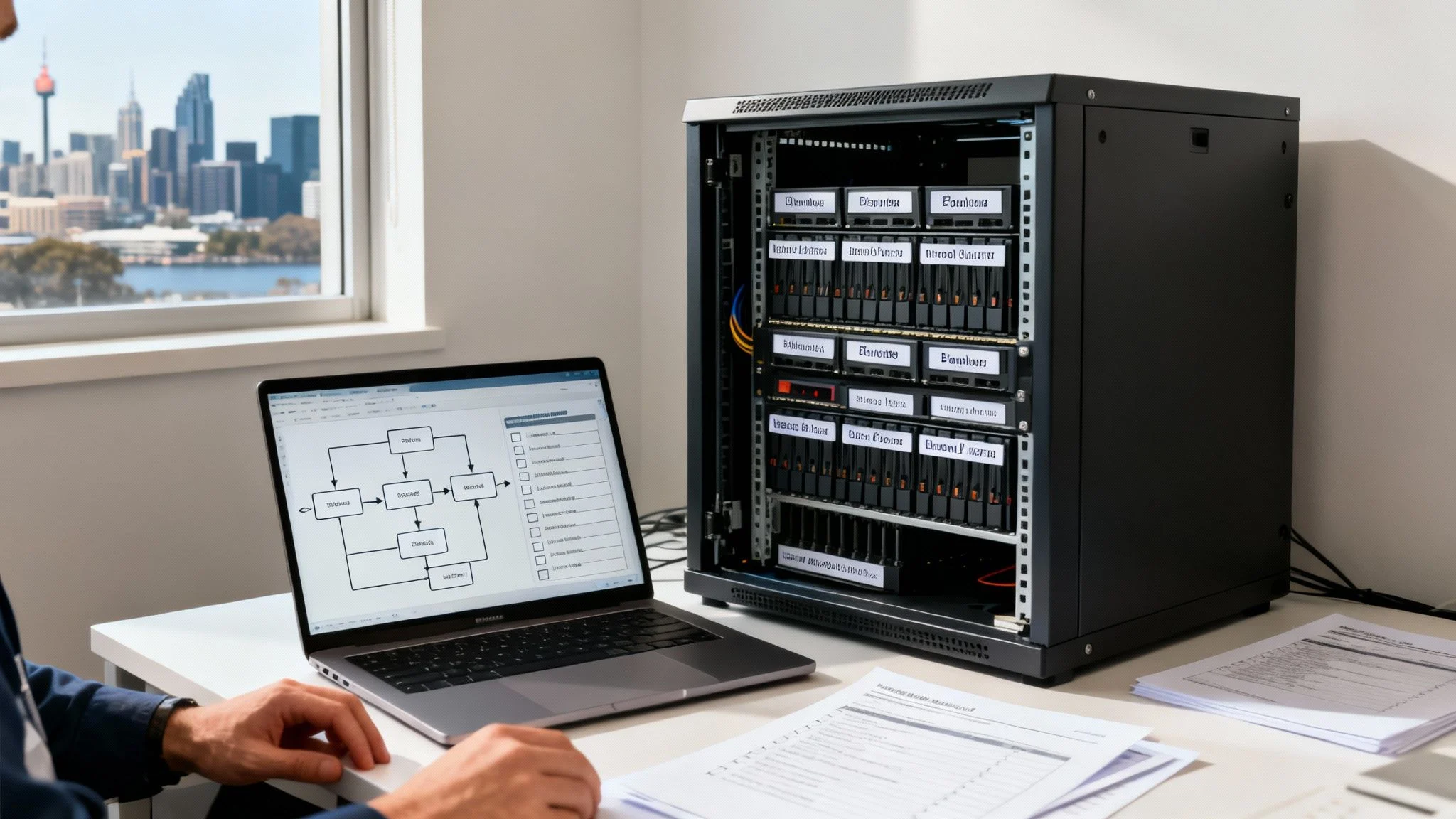
The main goal here is to leave no stone unturned. You need to know exactly what you have, how it all plugs together, and what it actually does before you can even begin to think about moving it. This isn’t just a technical checklist; it’s about making sure your technology aligns with your business goals, so the migration delivers real, tangible value.
Taking Stock: A Complete Infrastructure Inventory
First things first, you need to create a comprehensive inventory of your entire server environment. This is more than just a list of boxes in a server rack. You have to document every single component and understand its role in your day-to-day operations. Any professional small business server migration service will tell you this audit is absolutely non-negotiable.
Your inventory should cover:
- Hardware Specs: Get the details on the CPU, RAM, and storage for every server. Make a note of their age and any active warranties.
- Software and Applications: List every piece of software installed, from operating systems and databases to the business-critical tools you use daily, like your accounting package or CRM.
- Data Volumes: How much data are you actually storing? And more importantly, how fast is it growing? This is vital for planning your future capacity needs.
- Network Connections: Map out how everything is connected. Document your internet bandwidth, internal network dependencies, and how your servers talk to each other.
To help you get started, we’ve put together a simple checklist to guide you through the key areas of your server assessment. It’s designed to prompt the right questions and help you define what you need from your new setup.
Server Migration Assessment Checklist
| Assessment Area | Key Questions to Ask | Example Metric/Goal |
|---|---|---|
| Hardware | What are the specs (CPU, RAM, Storage) of each server? How old are they? Are they still under warranty or support? | Identify servers over 5 years old for potential decommissioning. |
| Software | What OS and applications are running? Are they licensed and up-to-date? Are there any legacy apps with special requirements? | Ensure all critical software is compatible with the target environment (e.g., Azure). |
| Data & Storage | How much data do we have? What is its growth rate? Are there any data sovereignty or compliance requirements? | Plan for 20% year-on-year data growth in the new storage solution. |
| Network | What are our current bandwidth capabilities? What are the key network dependencies between servers and applications? | New cloud environment must support remote access for 15 staff members without latency issues. |
| Business Goals | Why are we migrating? What specific outcomes do we want? (e.g., cost reduction, improved performance, better security). | Reduce monthly server maintenance costs by 25% within 12 months. |
Using a checklist like this ensures you don’t miss anything critical, transforming a daunting task into a manageable process.
Identifying Your “Can’t-Live-Without” Applications
Let’s be honest, not all applications are created equal. Some are the absolute heart of your business, while others are just nice-to-haves. You need to pinpoint which applications are so vital that your business would grind to a halt if they went down.
For instance, a local accounting firm here in Melbourne would consider its tax software and client database to be business-critical. Any downtime during tax season would be a complete disaster. By identifying these apps early, you can build a migration plan that puts their stability first and keeps any service interruptions to an absolute minimum.
By clearly defining what success looks like, you transform the migration from a purely technical task into a strategic business investment. This clarity helps guide every decision, from choosing the right platform to allocating the right resources.
Setting Clear, Measurable Project Goals
Once you have a complete picture of your current environment, you can start defining what you actually want to achieve. Vague goals like “improving performance” just don’t cut it. You need specific, measurable objectives that will tell you whether the project was a success.
Are you aiming to cut your server maintenance costs by 25% in the next year? Or maybe you need to slash application response times by 40% to boost your team’s productivity. Other goals might be strengthening your security to meet industry compliance standards or enabling reliable remote access for a growing team. Knowing the many benefits of Azure cloud for small business can really help shape these goals if you’re thinking about a move to the cloud.
The shift to the cloud is picking up pace across Australia, with Melbourne businesses leading the charge. In fact, Grand View Research predicts the Australian cloud migration services market will grow at a massive 28.9% compound annual growth rate from 2025 to 2030. However, with 47% of CIOs struggling to find skilled cloud experts, the value of a local, experienced IT partner becomes crystal clear. A well-planned migration, guided by people who know what they’re doing, is more important than ever.
Choosing the Right Migration Strategy
Picking the right approach for your server migration is one of the most important calls you’ll make. Not all migrations are created equal, and the best path depends entirely on your business goals, your budget, and how your current applications are actually built.
Think of it like moving house. You could either pack up all your current furniture and move it as-is, refurbish a few key pieces to better fit the new space, or build custom furniture from scratch. Each option has its pros and cons, and a well-chosen strategy ensures your project delivers the performance, cost, and security wins you’re aiming for.
Let’s break down the most common ways to tackle this.
Lift and Shift: The Quickest Route
The ‘Lift and Shift’ model, also known as rehosting, is exactly what it sounds like. You take your servers, applications, and data and move them from your office server room to a cloud platform like Microsoft Azure with minimal fuss. It’s the fastest and often cheapest way to get your business operating in the cloud.
This strategy is perfect for businesses that need to get off ageing hardware fast. It’s also a great first step into the cloud without a massive overhaul. For instance, a local retail store in Hillside could use this method to move its point-of-sale (POS) system into the cloud, gaining reliability without needing to rebuild the software from the ground up.
For a deeper dive, check out our comprehensive Azure Migrate guide.
Re-platforming: The Middle Ground
Re-platforming, sometimes called ‘Lift and Reshape’, is a step up. This approach involves making some smart optimisations to your applications as you migrate them, allowing you to take better advantage of cloud features. You’re not completely rewriting anything, but you might, for example, move from a clunky, self-managed database to a slick, managed cloud database service.
This offers a fantastic balance between speed and modernisation. You start reaping cloud efficiencies, like better performance and lower operational headaches, without the time and expense of a full rebuild.
Refactoring: The Modernisation Path
Refactoring, or re-architecting, is the most intensive strategy of all. It involves completely redesigning and rebuilding your applications to be ‘cloud-native’. This is the path for businesses wanting to unlock the absolute full potential of the cloud, including maximum scalability, resilience, and blistering performance.
A growing tech startup, for instance, might refactor its main app to use microservices and serverless functions. This lets them scale effortlessly as their user base explodes, and they only pay for the computing power they actually use. A key consideration here is long-term cost-effectiveness, which is best achieved through solid cloud cost optimisation strategies.
On-Premise to On-Premise Migrations
Not every migration is a journey to the cloud. Sometimes, the smartest move is to simply upgrade the physical hardware right there in your office. An on-premise to on-premise migration is usually about replacing old, slow servers with newer, more powerful machines.
This is a solid choice for businesses that need to keep physical control over their data for compliance reasons or have specialised applications that just don’t play well with the cloud. The goal is simple: boost performance and reliability while keeping your infrastructure in-house.
Comparing Server Migration Strategies
To help you weigh the options, here’s a quick comparison of the main approaches. Each has its place, and the best fit really depends on your business’s immediate needs and long-term vision.
| Migration Strategy | Best For | Pros | Cons |
|---|---|---|---|
| Lift and Shift | Businesses needing a fast, low-cost move with minimal disruption. | Quick to implement, lower initial cost, minimal changes required. | Doesn’t leverage cloud-native features, may have higher long-term costs. |
| Re-platforming | Businesses wanting to gain some cloud benefits without a full rewrite. | Improved performance and efficiency, moderate cost and effort. | Requires some application changes and testing. |
| Refactoring | Businesses aiming for maximum scalability and cloud performance. | Fully leverages cloud capabilities, highly scalable and efficient. | Time-consuming, high upfront cost and complexity. |
| On-Premise to On-Premise | Businesses with compliance needs or applications not suited for the cloud. | Full control over hardware and data, no cloud subscription fees. | High capital expenditure, ongoing maintenance responsibilities. |
Looking at the bigger picture, it’s clear the cloud is where Australian businesses are headed.
The Australian IT services market is projected to hit USD 32.26 billion in 2025. Small and medium enterprises are a huge part of that, expected to see a massive 23.40% growth rate through 2030. This makes sense when you learn that 90% of Australian SMEs are already using at least two cloud providers.
Cloud to Cloud Moves
Finally, there’s the cloud-to-cloud migration. This is where you move your data and applications from one cloud provider to another, say, from AWS over to Azure. Businesses often do this to chase better pricing, access specific services that one provider does better, or simply improve performance. This ‘multi-cloud’ approach is becoming more and more common as businesses look to find the perfect home for each of their different workloads.
Executing a Flawless Migration
With your plan locked in and strategy chosen, it’s time to bring your server migration to life. This is the phase where all that meticulous preparation really pays off, turning what could be a complex technical headache into a smooth, controlled transition. The goal here is simple: move your data and applications with precision, ensuring everything just works in its new home.
A successful execution isn’t about flipping a switch and hoping for the best. It’s a series of deliberate steps, from creating a solid safety net for your data to running tests that leave no room for error. Keeping your team in the loop throughout this stage is also crucial for managing expectations and dealing with any surprises that might pop up.
Preparing for a Safe Transition
Before you even think about moving a single file, your absolute top priority is creating a safety net. This means performing a full, verified backup of all your data, applications, and server configurations. Think of this backup as your ultimate insurance policy, it guarantees that no matter what happens during the move, your business data is completely safe and recoverable.
Just as important is having a rock-solid rollback plan. This is a documented, step by step procedure that outlines exactly how to revert to your old system if the migration hits a serious roadblock. Honestly, just knowing you can quickly and safely return to a working state removes a huge amount of stress from the whole process.
A migration without a verified backup and a clear rollback plan isn’t a professional migration; it’s a gamble. These pre-migration tasks are non-negotiable for protecting your business continuity.
The Migration in Action
The actual data transfer itself can be handled in a few different ways, and it all comes down to the migration strategy you picked earlier. A “Lift & Shift” to the cloud might involve tools that create a perfect mirror image of your server. On the other hand, a more involved refactoring project would mean deploying new application code and moving the data across separately.
The diagram below gives you a quick visual of the different paths your migration could take, from a direct “Lift & Shift” to a more optimised “Refactor.”

As you can see, while “Lift & Shift” is a straight transfer, “Re-platform” and “Refactor” involve more work to really take advantage of what the cloud has to offer.
One of the smartest things any professional small business server migration service will do is run a ‘pilot migration’. This is essentially a small-scale test run. We might move a single department’s file share or a less critical application first. This trial run lets us spot and fix any potential hiccups before the main event, dramatically cutting down the risk of any major disruption.
Post-Migration Validation and Testing
Once your data and apps are settled into their new environment, the job is far from over. Now comes the critical testing and validation phase, where you double and triple check that everything is running exactly as it should. Rushing this step is a recipe for future headaches, trust me.
Your testing checklist needs to be thorough, covering the new setup from every angle.
- Data Integrity Checks: First, verify that all data has been transferred completely and without any corruption. This can be as simple as checking file counts and database records or running more complex validation scripts.
- Application Functionality: Test every single one of your business-critical applications from start to finish. Can users log in? Do all the features work? Can it connect to other systems like printers or third-party services?
- Performance Benchmarking: Is the new server hitting the performance goals you set out in the planning phase? Measure things like application load times and data transfer speeds to confirm you’ve actually made an improvement.
- User Acceptance Testing (UAT): Get a small group of your team members, the people who use the system every day, to test it out with their normal tasks. They are often the best at spotting those subtle issues that automated tests can easily miss.
Only when every single item on this list is ticked off should you consider the migration truly complete. This thorough validation ensures the new system isn’t just up and running, but is genuinely ready to support your business effectively from day one.
Frequently Asked Questions (FAQ)
What exactly is a server migration?
A server migration is the process of moving data, applications, and workloads from one server environment to another. This can mean moving from an on-premise physical server to the cloud (like Microsoft Azure), from one cloud provider to another, or simply from an old physical server in your office to a new one.
How long does a small business server migration take?
The timeline depends on the complexity of your setup. A simple, single-server migration can take as little as a week from planning to completion. More complex projects involving multiple servers, large data volumes, and custom applications can take several weeks to a few months. A good provider will always give you a detailed timeline upfront.
Will my business experience downtime?
Our goal is to minimise disruption. While some planned downtime is often necessary for the final cutover, we schedule it for times that have the least impact, such as overnight or on a weekend. For many cloud migrations, we can synchronise data in the background, reducing the final downtime window to just a few hours.
What are the main risks involved?
The biggest risk is unplanned downtime caused by data corruption, application incompatibility, or network issues. We mitigate this risk through meticulous planning, creating full verified backups, running pilot migrations, and having a solid rollback plan ready. This preparation ensures your business operations are protected.
How Tbourke Solutions Can Help
Moving your business’s core IT infrastructure can feel like a massive, stressful undertaking. We get it. But with over 20 years of hands-on experience helping businesses in Hillside, Melbourne, and the surrounding suburbs, we’ve turned server migrations into a smooth, predictable process. You don’t have to go it alone.
At Tbourke Solutions, our approach is built on making the entire project transparent, secure, and perfectly aligned with what your business actually needs to achieve. It always starts with a simple conversation to understand how you operate.
A Partnership Approach
Once we understand your goals, we map out a custom migration plan designed from the ground up to minimise downtime and stamp out potential risks. Our team handles every single technical detail, from the initial deep-dive assessment to the final switch-over and the comprehensive support that follows.
This is all part of the proactive management philosophy that drives our IT managed services.
We’re the ones who wrestle with the complexities of cloud platforms, network configurations, and cybersecurity, ensuring your new server environment is not just faster, but completely locked down from day one.
This frees you up to focus on running your business, giving you the peace of mind that your technology is in expert hands. We act as your dedicated IT partner, guiding you through the whole transition to make sure the outcome genuinely supports your long-term growth.
Our Migration Services
We offer a comprehensive small business server migration service tailored to your needs, whether you are upgrading on-premise hardware, moving to the cloud for the first time, or switching between cloud providers. Our process includes:
- Initial Consultation & Assessment: We start by understanding your business goals and auditing your current IT environment.
- Custom Migration Strategy: We design a detailed plan that fits your budget, timeline, and technical requirements.
- Full Execution & Management: Our expert team handles the entire technical migration, ensuring a secure and efficient transfer.
- Post-Migration Support: We provide ongoing support and management to ensure your new server environment performs optimally.
Ready to talk about your server project? Get in touch and submit a query through our contact page at http://tbourke-solutions.com.au/contact.
Share This Story, Choose Your Platform!