For many Australian small businesses, deciding when to replace an ageing server is a massive turning point. Wait too long, and you’re gambling with costly downtime and gaping security holes. Act too soon, and it feels like an expense you could have put off.
This guide gives you a clear roadmap to make this a strategic business decision, not just a technical one.
TL;DR: The Bottom Line on Replacing Your Server
Deciding to replace an ageing server is a critical move to protect your business from costly downtime and modern cyber threats. Your main choice is between a new on-premise server for total control or a flexible cloud solution for scalability and remote access. A successful transition hinges on a detailed migration plan that includes full backups, rigorous testing, and professional guidance to ensure minimal disruption. This isn’t just an IT expense; it’s a vital investment in your business’s security, efficiency, and future growth.
Is Your Old Server Holding Your Business Back?
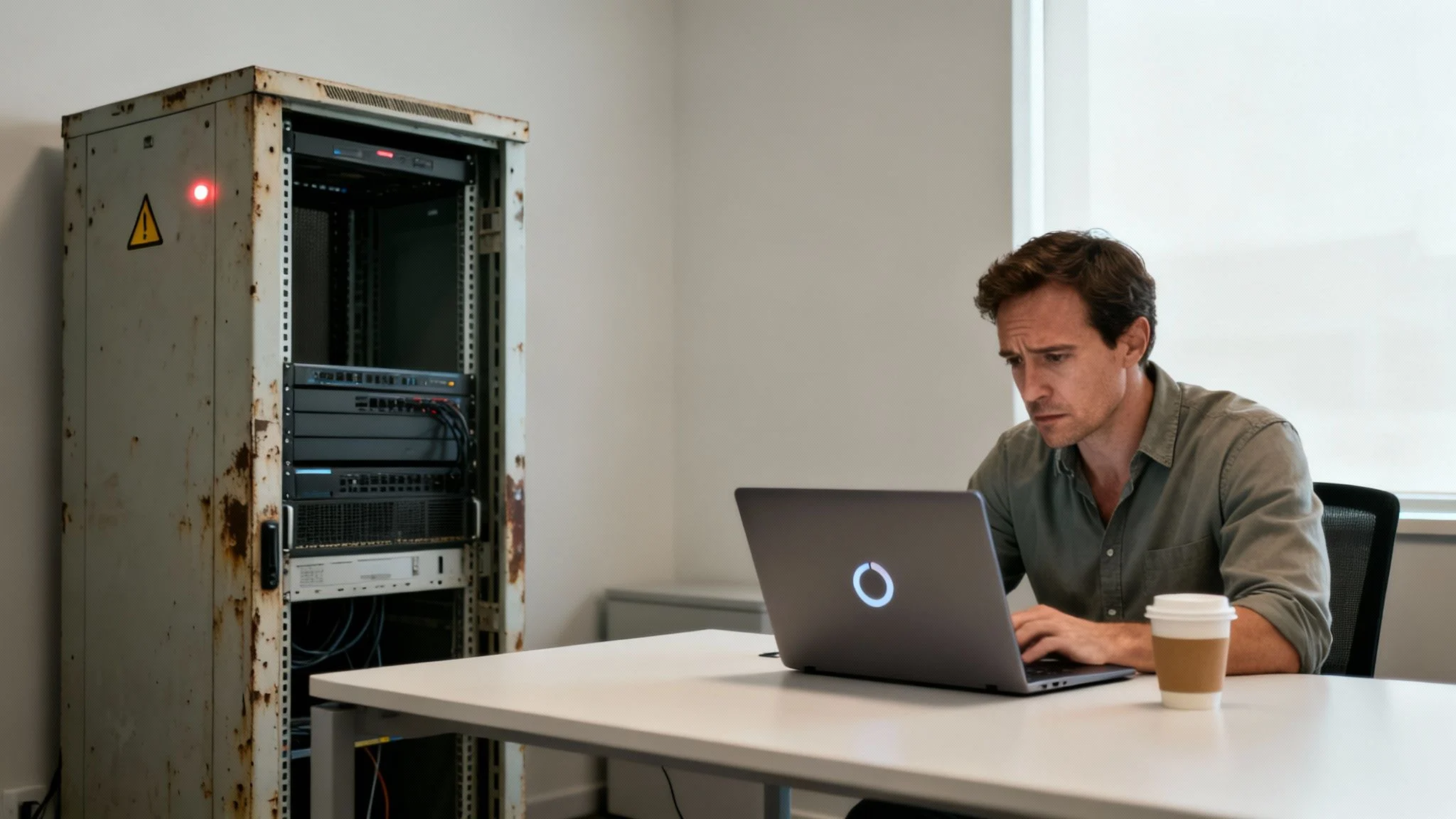
That server humming away in the corner might be the unsung hero of your operations, but once it starts showing its age, it can quickly turn into a liability. An outdated server is the root cause of frustratingly slow performance, it exposes your sensitive data to security risks, and it can lead to unexpected, costly downtime that grinds your entire business to a halt.
Truth is, the hidden costs of doing nothing often dwarf the investment in a modern solution.
From Technical Chore to Strategic Decision
Picture a growing Melbourne-based accounting firm in the middle of tax season. Their old server, once a reliable workhorse, now buckles under the pressure of staff accessing large client files all at once. Applications lag, opening a file feels like it takes an eternity, and the team’s productivity plummets.
This isn’t just an IT headache; it’s a direct threat to their revenue and client satisfaction.
This guide is designed to shift the conversation from a technical chore to a forward-thinking business strategy. We’ll walk you through a clear path for:
- Assessing Your Current Needs: Pinpoint exactly where your current server is failing and what a new solution absolutely must deliver.
- Evaluating Your Options: Get to grips with the critical differences between a modern on-premise server and a flexible cloud-based alternative.
- Executing a Smooth Transition: Follow a roadmap that guarantees minimal disruption, protecting your operations during the upgrade.
By reframing the server replacement process, you can turn your technology into a powerful asset that fuels growth, boosts efficiency, and secures your business for years to come.
“Industry data shows servers typically last 3-5 years, but proper maintenance can safely extend this to 6-8 years. The key is knowing when performance loss and security risks outweigh the cost of an upgrade.”
So, What’s the Bottom Line on Replacing Your Server?
If you’re a busy business owner, let’s cut to the chase. Deciding to replace an ageing server isn’t just another IT task to tick off a list; it’s a critical move for your security and your ability to keep up. Cyber threats are getting smarter, and your competitors are definitely using modern tech to work faster and more efficiently.
Your biggest decision will be choosing between a new on-premise server, which gives you total control, or moving to a cloud solution for better flexibility and remote access. Whichever path you choose, a smooth transition all comes down to having a rock-solid migration plan.
That plan absolutely must include complete backups, rigorous testing, and getting some professional advice to make sure you don’t end up with costly downtime. Think of it less as an expense and more as an investment in keeping your business secure, efficient, and ready for growth.
Recognising The Warning Signs Your Server Needs Replacing
Knowing when to replace an ageing server can feel a bit like guesswork. Is it just having a bad week, or is it genuinely on its last legs? But your hardware will almost always give you clear, tangible signals that it’s becoming more of a liability than an asset.
It’s easy to get used to things being a little slow, but we need to move past vague feelings and pinpoint the real-world symptoms that are hurting your operations. These aren’t just minor IT glitches; they are warnings that the central hub of your business is under serious strain. Ignoring them is a surefire way to risk lost productivity, ballooning repair bills, and frankly, some pretty scary security threats.

Performance That Grinds to a Halt
One of the first and most obvious signs is a dramatic drop in speed, especially when everyone is trying to work. When your team needs to access shared files or use business-critical applications, a lagging server just forces them to wait. That lost time really adds up, hitting your bottom line directly.
Picture a typical Tuesday morning when your whole team logs on. If your accounting package or CRM software slows to a crawl, that’s a classic bottleneck. The server simply can’t keep up with all the requests, a sure sign its processor and memory are no longer fit for purpose.
This slowdown is often so gradual that you might not notice it day-to-day. But if you think back six months, you’ll probably realise the difference in speed is undeniable.
Frequent and Unexplained Downtime
Is your team constantly reporting that the server has crashed again? Random reboots or system failures that bring your workflow to a standstill are a massive red flag. A healthy, happy server should run for months without needing a restart, but an old one will start to fail unpredictably.
These interruptions are incredibly disruptive. Every crash means lost work, frustrated staff, and potentially lost sales if any of your customer-facing systems go offline. If you find yourself rebooting the server every week—or even every day—it’s no longer a reliable foundation for your business.
Your server should be a source of stability, not a constant cause of disruption. If downtime is becoming a regular part of your week, the hardware is telling you it’s time for a change.
The Rising Cost of Obsolete Parts
Another crystal-clear sign is when repairs become difficult and expensive. Once a server gets past the five-year mark, its components start becoming obsolete. Trying to find replacement parts like specific hard drives, power supplies, or motherboards turns into a real treasure hunt.
And when you do find them, they’re often expensive and might be refurbished parts with a flimsy warranty. This just traps you in a cycle of costly, temporary fixes. If your annual repair bills are creeping up to 15-20% of what a new server would cost, you’re throwing good money after bad.
Critical Security Vulnerabilities
This is probably the most urgent warning sign of all: when your server can no longer run a modern, supported operating system. Older hardware often lacks the grunt to support the latest server software, which means it stops receiving vital security patches.
This leaves your business data dangerously exposed. Small businesses in Australia—over 2.7 million of them as of June 2025—are under immense pressure from escalating cyber threats. With a staggering 47 million data breaches in 2024 alone, it’s no wonder that 81% of small business leaders are now prioritising secure technology over just cutting costs, as highlighted in recent small business trends from Salesforce.
An unsupported server is basically an open invitation to cybercriminals. It’s a risk you just can’t afford to take.
A Quick Diagnostic Checklist
Not sure where you stand? Run through this simple checklist. If you answer “yes” to two or more of these questions, it’s a strong signal that you need to start planning for a replacement, and soon.
- Lagging Applications: Do your main business programs slow down badly when multiple people are using them?
- Frequent Crashes: Does the server need rebooting more than once a month to fix problems?
- Noisy Operation: Are the fans constantly whirring at high speed or making strange grinding noises?
- Unsupported OS: Is your server’s operating system no longer getting security updates from the manufacturer?
- Slow File Transfers: Does saving or opening large files on the network take noticeably longer than it used to?
Choosing Your Path: On-Premise vs. Cloud Servers
Once you’ve spotted the warning signs of a failing server, you’ve hit the first major crossroad: deciding where your business’s data is going to live next. This is the central decision every small business owner faces when they need to replace an ageing server, and it really boils down to two main paths. You can either invest in a new physical server for your office (on-premise) or move your operations into the cloud.
There’s no magic bullet here. The right answer depends entirely on your business model, how your team works, what your budget looks like, and how much hands-on IT management you’re comfortable with. Let’s break down what each option actually means for your day-to-day operations.
The Case for a New On-Premise Server
Sticking with a physical server in your office might feel a bit old-school, but for many businesses, it’s still a powerful and completely logical choice. The biggest drawcard? Total control. Your data lives on your hardware, inside your four walls, giving you complete and final say over its security and who can access it.
This is a huge deal for businesses handling highly sensitive client information or those that need lightning-fast access to enormous files, like a video production studio or an architectural firm. That local speed and control can be a massive advantage. And while the upfront cost is definitely higher, the total cost of ownership can sometimes work out to be lower over a five-to-seven-year lifespan since you’re not paying ongoing monthly subscription fees.
But that control comes with some serious responsibilities:
- Upfront Capital: You’ll need a decent chunk of cash ready for the server hardware itself, plus software licensing and the initial setup.
- Ongoing Maintenance: You’re on the hook for everything—all the updates, security patches, hardware repairs, and making sure backups are running properly.
- Physical Security: The server needs a safe, climate-controlled spot to protect it from theft, accidental damage, or overheating.
The Power and Flexibility of Cloud Servers
Moving to a cloud server means your applications and data are hosted in a professional, high-security data centre run by a provider like Microsoft Azure or Amazon Web Services (AWS). This approach has exploded in popularity, mainly because of its incredible flexibility and scalability.
Instead of a big upfront purchase, you pay a predictable monthly fee. If your business suddenly grows and you need more processing power or storage, you can scale up your resources with just a few clicks. It’s perfect for businesses with fluctuating demands or a growing remote team, as everyone can securely access what they need from anywhere with an internet connection.
Of course, this convenience has its own trade-offs:
- Internet Dependency: Your server’s performance is completely tied to the quality and speed of your internet connection. A local outage can grind your entire operation to a halt.
- Ongoing Costs: That subscription model means you’ll always have a monthly operational expense for your server infrastructure.
- Data Custodianship: While extremely secure, your data is ultimately stored on someone else’s hardware. This can be a point of concern for businesses in specific, highly regulated industries.
The Australian server market is in the middle of a huge shift, driven by this massive adoption of cloud technology. Projections show server revenue in Australia & Oceania is set to hit US$3.82 billion in 2025, a trend heavily influenced by the move towards virtualisation to support remote work. For the 2.6 million small businesses facing decisions about their old hardware, understanding this trend is crucial. You can dive deeper into Australia’s evolving server market trends with Statista.
Choosing between on-premise and the cloud is a strategic decision. It’s not just about technology; it’s about aligning your IT infrastructure with your business goals for the next five years.
A Direct Comparison for Your Business
To help you weigh it all up, here’s a straightforward side-by-side comparison. As you go through each point, think about where your business priorities really lie. Getting your head around these core differences is a key part of exploring our Infrastructure & Cloud Services to figure out which model is the best fit for you.
On-Premise vs Cloud Server Comparison for Small Businesses
This table breaks down the key factors to help you decide between upgrading your physical server and making the move to the cloud.
| Factor | On-Premise Server | Cloud Server |
|---|---|---|
| Initial Cost | High (large capital expense for hardware and software) | Low (minimal setup fees, no large hardware purchase) |
| Ongoing Cost | Lower (primarily power, cooling, and maintenance) | Predictable (monthly subscription fee based on usage) |
| Control & Security | Full control over hardware and data security protocols | High security, but reliant on the provider’s infrastructure |
| Scalability | Limited (requires purchasing new hardware to scale) | High (easily add or remove resources on demand) |
| Maintenance | Your responsibility (or your IT provider’s) | Managed by the cloud provider (updates, security, hardware) |
| Accessibility | Best for local network speed, remote access requires setup | Excellent for remote and hybrid teams, accessible anywhere |
| Internet Reliance | Low (internal operations continue if internet is down) | High (a stable internet connection is essential for access) |
Ultimately, whether you stick with a physical server or embrace the cloud, the goal is the same: to build a reliable, secure, and efficient backbone for your business.
Crafting Your Server Migration Plan
Thinking you can just unplug the old server and plug in the new one over a weekend is a recipe for disaster. I’ve seen it happen. A successful server migration isn’t about flipping a switch; it’s a carefully orchestrated project built on a solid plan. For a small business, this plan is your insurance policy against costly downtime, data loss, and some very frustrated staff come Monday morning.
Breaking the project down into clear, manageable phases turns a daunting technical task into a logical sequence of steps. By methodically working through assessment, execution, and validation, you can confidently replace your ageing server with minimal disruption. This structured approach makes sure every detail is accounted for, from the first backup to the final go-live.
Assessment and Preparation: The Foundation for Success
Before you move a single file, you need a complete picture of your current setup. This initial phase is all about discovery and planning, and honestly, skipping it is the most common mistake small businesses make. You need to know exactly what you’re moving, where it’s going, and how you’ll protect it along the way.
Start by creating a detailed inventory of everything your current server does. This includes:
- Applications and Software: List every single application, from your accounting software and CRM to any industry-specific programs. Make a note of their versions and any special configuration requirements.
- Data and Databases: Pinpoint all shared folders, databases, and critical files. Get a clear idea of who uses what and how much storage space is currently being used.
- User Accounts and Permissions: Document all user accounts, access levels, and security groups. Recreating these permissions perfectly on the new system is non-negotiable for security.
With this inventory in hand, you can build a realistic budget. This isn’t just the cost of the hardware or a cloud subscription. Remember to factor in software licensing, the labour for the migration itself, and potential training for your team. This stops nasty surprise costs from derailing your project.
The most crucial part of this phase is creating a bulletproof backup and rollback strategy. Before you start the migration, perform a full, verified backup of your entire system. This isn’t just a backup; it’s your ‘undo’ button if something goes sideways.
Migration and Execution: The Methodical Move
This is the hands-on part of the process, where the new environment gets built and the data gets transferred. Rushing this stage just leads to errors. A slow, methodical approach is always faster in the long run.
The first move is to set up the new environment, whether that’s a physical on-premise server or a cloud instance. This should happen in parallel while your old server keeps running the business as usual.
This new environment needs to be configured to mirror your old one—installing the necessary operating system, applications, and security software. Once it’s ready, the data transfer can begin. For smaller datasets, this might be a simple copy process. For larger, more complex systems, you’ll likely use specialised migration tools. For cloud migrations, there are specific tools and processes to follow. You can learn more from our detailed Azure Migrate guide to get a handle on the technical steps involved.
The key to minimising disruption is all in the scheduling. Most of the heavy lifting, like the initial data synchronisation, can happen in the background during business hours without impacting your team. The final cutover—the moment you switch from the old server to the new one—should always be scheduled for a period of low activity, like overnight or over a weekend.
This flow diagram illustrates the high-level decision-making process based on what your business actually needs.

As the chart shows, the right path—whether on-premise or cloud—starts with a clear understanding of what your business truly needs to operate efficiently.
Validation and Go-Live: Ensuring a Smooth Handover
Once the data is moved and the new server is live, the project isn’t over. The final phase is all about rigorous testing to ensure everything is working exactly as it should be. This step confirms the success of the migration and prevents a flood of IT support calls on Monday morning.
Get your team involved in this process. Ask key staff from different departments to test their essential applications and workflows. Can they access their files? Does the accounting software connect to its database correctly? This real-world testing is invaluable for catching issues you might have missed.
Here’s a simple checklist for your final validation:
- Application Functionality: Confirm all critical business applications launch and operate without errors.
- Data Integrity: Spot-check important files and database records to ensure nothing was corrupted during the transfer.
- User Access and Permissions: Verify that users can log in and their access levels are correct, preventing them from seeing data they shouldn’t.
- Network and Printing: Make sure all workstations can connect to the new server and that network printers are working.
- Backup Verification: Immediately configure and test the backup system on the new server. A system without a working backup is a major risk.
Only after you’ve thoroughly tested and received the green light from your team should you move to the final step: decommissioning the old hardware. This process must be handled securely to protect your data. As you develop your plan, it’s vital to consult a practical guide to securely decommission a server to ensure every step is meticulously planned. Proper data wiping and disposal aren’t optional; they’re essential for protecting your business from future data breaches.
What To Do After The Migration: Ongoing Success and Management
Flicking the switch on your new server is a huge milestone, but it’s definitely not the finish line. To really get the most out of your investment and keep things stable for the long haul, you need a proactive plan for managing it. This ongoing effort is what stops your powerful new asset from becoming the next old server you need to replace in a few years.
First up, run through a post-migration checklist. This isn’t just a box-ticking exercise; it’s how you confirm every part of the new system is actually performing as expected under a real workload. Your number one priority? Verifying that your new backup systems are working flawlessly.
A successful test backup is the only proof that you’re properly protected.
Creating a Long-Term Management Strategy
Once you’ve confirmed everything is stable, your focus needs to shift to the server’s ongoing health and optimisation. Continuous performance monitoring is key here. It helps you spot potential troublemakers like memory leaks or overloaded processes before they cause slowdowns or, worse, downtime. It’s all about being proactive, not reactive.
Regularly applying security updates is another non-negotiable. You can make this much easier by setting up a structured patching schedule. For a solid routine, check out our comprehensive guide on Windows patch management.
And don’t forget the human element. Training your team is vital so they can use the new system’s features effectively. A well-informed team is not only more productive but also far less likely to accidentally create security risks.
In Australia, small businesses are the backbone of the economy, making up 97% of all enterprises. Yet many are held back by ageing servers. Tech-enabled businesses process 94% more in sales volume, showing the direct impact of modern IT. You can find more insights like this in the COSBOA State of Small Business Report.
How to Securely Decommission Your Old Hardware
With your new server up and running, you have to deal with the old one responsibly. Just unplugging it and shoving it in a storeroom is a massive security risk. Those old hard drives are still packed with sensitive company and client data just waiting to be compromised.
Professional data sanitisation is the only way to guarantee that information is permanently erased and completely unrecoverable. This process uses specialised software to overwrite the data multiple times, rendering it useless to anyone who might get their hands on the physical drives.
Once the data is wiped clean, the final step is responsible disposal. An essential part of your post-migration success is knowing exactly what to do with the old hardware. Understanding What Is IT Asset Disposition (ITAD) will help you handle this process securely and in an environmentally friendly way. It’s a critical step that protects your business from future data breaches and ensures you’re complying with data protection laws.
Common Questions About Replacing a Server
How long does a server migration take?
The timeline varies significantly based on complexity. A simple file server for a small office might take a few days, while a larger business with custom applications and large databases could take several weeks. Key factors include the amount of data, the number of applications, and whether you are moving to a new on-premise server or the cloud. A proper assessment is needed for an accurate estimate.
What is the average cost to replace a small business server?
Costs can range widely. An on-premise server involves a significant upfront capital expense, typically from $5,000 to $15,000 or more for hardware, software, and setup. A cloud server has lower initial costs but comes with ongoing monthly subscription fees. The best financial choice depends on your cash flow, budget preferences (capital vs. operational expense), and long-term business strategy.
Will my business be offline during the migration?
No, a well-planned migration is designed to minimise or eliminate downtime. Most of the work, like setting up the new environment and the initial data synchronisation, happens in the background while your business continues to operate on the old system. The final switch, or “cutover,” is strategically scheduled for a low-impact time, like overnight or over a weekend, to ensure a seamless transition for your team and customers.
What happens to my old server and its data?
Your old server contains sensitive business and client data, even after you’ve moved everything. It must be decommissioned securely. This involves a professional data sanitisation process to permanently wipe the hard drives, making the data unrecoverable. After the drives are wiped, the physical hardware should be disposed of responsibly through an e-waste or IT asset disposition (ITAD) service.
How Tbourke Solutions Can Help
Navigating a server replacement is a complex project with high stakes. At Tbourke Solutions, we specialise in making this process straightforward and secure for small businesses. We don’t believe in one-size-fits-all solutions. Instead, we work with you to understand your specific needs and create a tailored migration plan that aligns with your goals and budget.
Our options include:
- On-Premise Server Upgrades: We can help you select, procure, and install a new physical server, ensuring it’s perfectly configured for your business applications and security needs.
- Cloud Migration: If you’re ready to embrace the flexibility of the cloud, we can manage a seamless transition to platforms like Microsoft Azure, handling the entire migration from planning to execution.
- Hybrid Solutions: For businesses that need the best of both worlds, we can design and implement a hybrid environment that combines the security of on-premise hardware with the scalability of the cloud.
We handle the technical details so you can focus on running your business. From the initial assessment and project management to the final cutover and post-migration support, our goal is a smooth transition with minimal disruption. Let us take the stress and uncertainty out of your server upgrade. To discuss the best path forward for your business, submit a query through our contact page.
Share This Story, Choose Your Platform!