
Windows Server 2025 is Microsoft’s latest server operating system, engineered to deliver unmatched uptime, security, and performance for modern businesses. It introduces groundbreaking features like Hotpatching, which allows security updates without reboots, a next-generation Active Directory to shield against cyber threats, and AI-powered management to simplify IT. For any business reliant on its digital infrastructure, upgrading to Windows Server 2025 means building a more resilient, efficient, and future-proof foundation for your operations.
Frequently Asked Questions
Before diving deep, let’s answer the most common questions people ask about Windows Server 2025.
What is the main goal of Windows Server 2025?
At its core, the goal is to provide a secure, high-performance platform that works seamlessly whether your servers are on-premise, in a hybrid setup, or spread across multiple clouds. It’s all about giving businesses more flexibility and maximising uptime.
How does it differ from Windows Server 2022?
The biggest differences are the universal availability of Hotpatching (no reboots for updates!), a new Active Directory functional level for better security, AI-powered management tools, and some very noticeable performance gains for storage and virtualisation.
When will Windows Server 2025 be released?
Microsoft has slated the general availability (GA) of Windows Server 2025 for the second half of 2024.
Can I try Windows Server 2025 now?
Yes, you can. Microsoft has released preview builds through the Windows Server Insider Program, allowing IT professionals to test the new features before the official launch.
What Windows Server 2025 Actually Means for Your Business
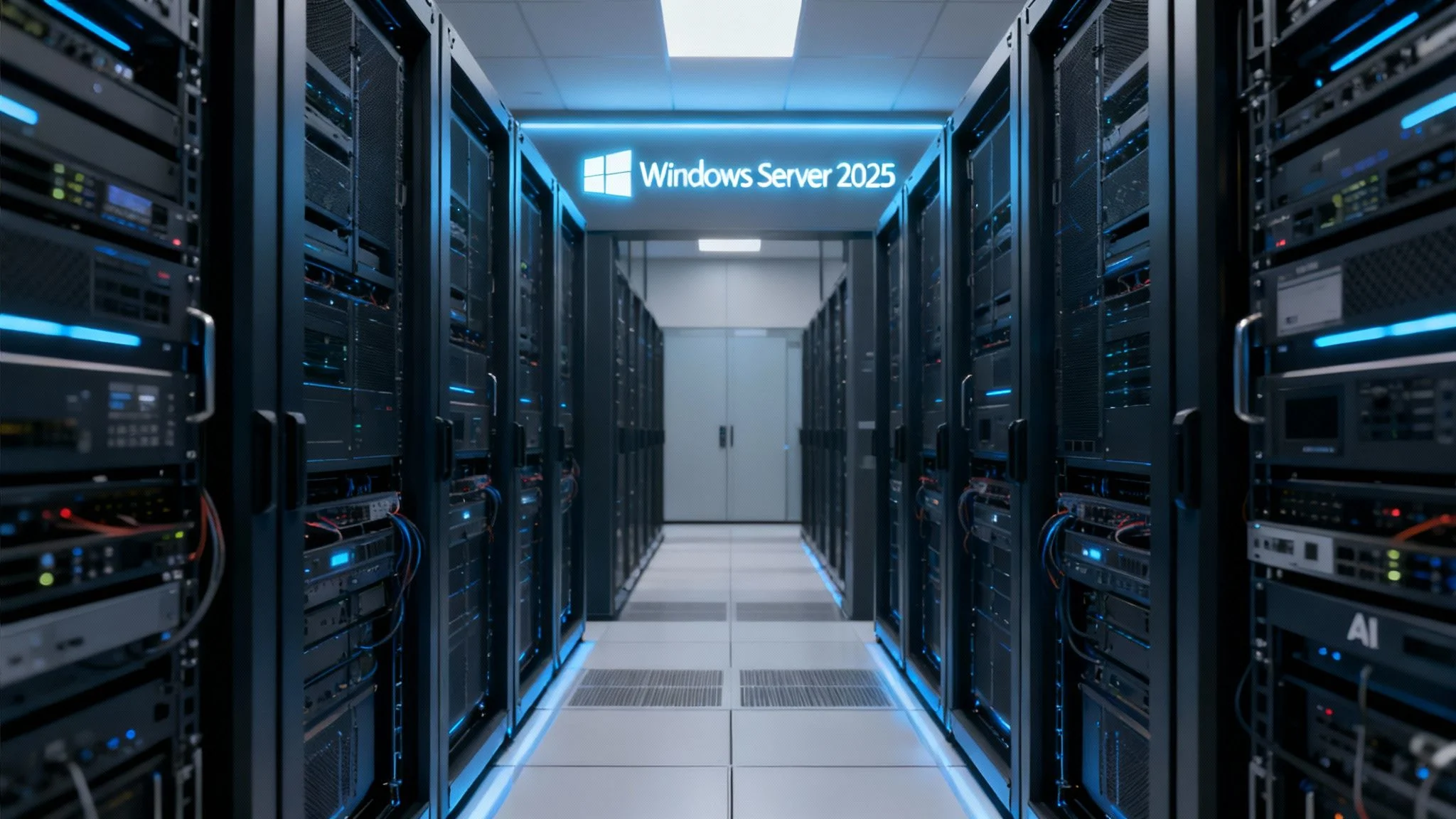
A modern data centre hallway lined with server racks on both sides, illuminated with blue lights. A sign above the corridor displays “Windows Server 2025”.
Windows Server 2025 marks a pretty significant step forward, moving well beyond a simple refresh of its predecessor. The best way to think about it is like rebuilding the foundations of your business’s digital operations to be stronger, smarter, and far more adaptable. For Australian small to medium enterprises (SMEs), this translates directly into real-world advantages that solve common, everyday frustrations.
The platform rolls out key innovations aimed squarely at today’s most pressing IT challenges. One of the absolute standouts is Hotpatching for all, a feature that lets you apply security updates without needing to reboot the server. This is huge. It drastically cuts down on planned downtime, which is a critical win for any business that needs to stay online 24/7.
Key Wins for Australian Businesses
This new release really zeros in on three core areas that directly help your day-to-day operations:
- Tighter Security: With next-generation Active Directory and clever features like SMB over QUIC, it creates a much more secure environment, shielding your critical data from modern threats.
- Simpler Management: Thanks to deeper integration with Azure Arc, you get a single, unified view to manage all your servers, whether they’re sitting in your office or running in the cloud.
- Better Performance: You’ll see real-world speed improvements. Optimisations for NVMe storage and significant performance boosts for virtual machines mean your applications will run faster and feel more responsive.
Even in 2025, Windows Server maintains its dominance in the Australian server market. Microsoft’s server OS segment commands around 52.6% of the global market share, a position earned through its powerful enterprise integration, wide application support, and advanced security features built for both on-premise and hybrid cloud worlds. You can dive deeper into the data on server OS market trends if you’re curious.
Windows Server 2025 isn’t just another upgrade; it’s a way to future-proof your business. It gives you the tools to build a more resilient, agile, and secure IT infrastructure, getting you ready for whatever comes next.
To give you a clearer picture, here’s a quick rundown of the most impactful changes and what they mean for your business.
Windows Server 2025 Core Innovations
| Key Feature | Primary Benefit |
|---|---|
| Hotpatching for All | Apply security updates without reboots, maximising uptime and productivity. |
| Next-Gen Active Directory | Strengthens identity security and streamlines management of user access. |
| AI-Powered Management | Simplifies complex tasks and provides smarter insights into server performance. |
| NVMe Storage Optimisation | Delivers much faster data access, speeding up databases and applications. |
| SMB over QUIC | Provides secure, encrypted file access for remote and mobile workers. |
| GPU Partitioning (GPU-P) | Allows multiple virtual machines to share a single GPU, improving resource use. |
These features aren’t just technical jargon; they’re practical solutions designed to make your IT environment more robust and efficient.
Exploring the Game-Changing New Features
Windows Server 2025 isn’t just another incremental update; it introduces practical, powerful innovations that will fundamentally change how you manage your IT infrastructure. This release delivers features that directly tackle the biggest challenges for Australian businesses today: uptime, security, and performance.
Let’s break down exactly what these new capabilities are and, more importantly, what they mean for your day-to-day operations.

Uninterrupted Operations with Hotpatching for All
Probably the most impactful new feature is Hotpatching, and it’s now available for all versions of Windows Server 2025. Imagine changing a tyre on a car while it’s still driving down the highway—that’s the essence of Hotpatching. It allows you to apply critical security updates to your servers without needing to reboot them.
For years, “Patch Tuesday” has meant scheduling downtime, often late at night or over a weekend, just to keep systems secure. Hotpatching all but eliminates this disruption. Instead of a monthly reboot, you’ll only need to restart for major baseline updates quarterly, slashing planned reboots from 12 times a year to just four.
This capability used to be exclusive to specific Azure editions. Now, it’s accessible for on-premise servers via Azure Arc. It means more uptime for your critical applications, less after-hours work for your IT team, and a stronger security posture because you can apply patches immediately, not wait for a maintenance window.
A Stronger Fortress with Next-Generation Active Directory
Active Directory (AD) has been the cornerstone of enterprise identity for decades, and in Windows Server 2025, it’s getting a serious security upgrade. Microsoft has introduced a new forest functional level, bringing with it much stronger cryptographic algorithms and improved security protocols.
Think of your AD as the digital gatekeeper for your entire business. These updates reinforce that gate, making it significantly harder for attackers to compromise user accounts and move through your network.
Key improvements include:
- Enhanced Encryption: Stronger encryption for authentication helps shut down modern credential theft techniques.
- Improved Security Hardening: Default settings are now more secure right out of the box, reducing the attack surface from day one.
- Delegate Managed Service Accounts (dMSA): These new accounts automate password management, removing the huge security risk that comes with static, manually managed service account passwords.
These enhancements create a far more resilient identity infrastructure, which is absolutely essential for protecting your business’s most sensitive data from today’s cyber threats.
The next-generation Active Directory in Windows Server 2025 isn’t just an update; it’s a strategic fortification of your company’s identity and access management system, making it fundamentally more secure against modern attacks.
Lightning-Fast Performance and Secure Remote Access
Beyond security and uptime, Windows Server 2025 delivers some serious performance boosts, especially if you’re using modern hardware. The optimisations for NVMe storage are particularly impressive. Microsoft is reporting up to 60% more storage IOPS (Input/Output Operations Per Second) compared to Windows Server 2022 on identical systems.
For your business, this translates to faster databases, quicker application load times, and a much more responsive experience for your users.
Another key feature is SMB over QUIC. This technology provides an encrypted, secure tunnel for accessing file shares over the internet—without needing a traditional VPN. It’s perfect for remote and hybrid workforces, allowing your team to securely access files from anywhere as if they were sitting in the office.
This blend of raw performance and secure connectivity makes your infrastructure both faster and more flexible. For organisations looking to improve endpoint management across a distributed workforce, learning about tools like Microsoft Windows Intune can provide even more layers of control and security.
Tapping into Hybrid Cloud and Advanced Security
At its core, Windows Server 2025 is built for a hybrid world. Think of it as the central nervous system that connects your trusty on-premise servers to the massive potential of the Azure cloud. For Australian businesses, this is a game-changer. It gives you a practical way to modernise your IT without having to ditch the hardware you’ve already invested in, letting you adopt cloud services at your own pace.
This hybrid approach isn’t just a nice-to-have; it’s quickly becoming essential. Public cloud adoption in Australia is taking off, and that’s directly shaping the demand for server operating systems like Windows Server 2025. In fact, projections show Australian spending on public cloud is set to leap by 83%, from AUD 12.2 billion in 2022 to a whopping AUD 22.4 billion by 2026. That’s a massive shift in how businesses operate.
A Single Pane of Glass with Azure Arc
The magic that ties this all together is Azure Arc. The best way to think of it is like a universal remote for your entire server environment. By enabling Azure Arc on your on-premise Windows Server 2025 machines, you can manage everything—whether it’s sitting in your local server room, a private data centre, or in Azure—from one unified dashboard.
This ‘single pane of glass’ management makes life so much simpler. You can roll out security policies, deploy updates (including the fantastic Hotpatching feature), and keep an eye on performance across all your servers from one spot. This dramatically cuts down on administrative headaches and frees up your IT team to focus on bigger, more strategic projects. If you’re weighing up the move to cloud, our guide on the benefits of Azure cloud for small business is a great place to start.
Bolstering Your Defences with Multi-Layered Security
Beyond its hybrid smarts, Windows Server 2025 brings a seriously tough, multi-layered security strategy to the table. It’s designed to protect your infrastructure from the hardware right up to the application level. We’ve moved past just defending the perimeter; security is now baked directly into the operating system’s core.
Windows Server 2025 adopts a ‘secure-by-default’ philosophy. It embeds advanced protections at every level to create a resilient, hardened environment that actively defends against today’s sophisticated cyber threats.
The foundation of this is the Secured-core server initiative. This isn’t just software; it’s a combination of hardware, firmware, and OS features that work together to shield you from advanced threats targeting the boot process. It ensures your server starts up in a trusted state, free from nasty rootkits or bootkits that could compromise the whole system before it even loads.
Backing this up are major improvements to identity protection. The next-generation Active Directory, along with features like Delegate Managed Service Accounts (dMSA), helps stop identity-based attacks in their tracks by automating password management and cutting the risk that comes with static credentials. This builds a much stronger wall against attackers trying to get a foothold in your network.
Your Practical Upgrade And Migration Plan
Moving to Windows Server 2025 isn’t something you do on a whim. A successful transition starts with a solid plan, not guesswork. This section is your roadmap for getting it done with minimal disruption, ensuring your business actually sees the benefits without the usual IT headaches.
You really have two main paths: an in-place upgrade or a clean installation. While an in-place upgrade (installing the new OS over the old one) is officially supported from Windows Server 2022 and 2019, it’s not always the best move. For most real-world scenarios, a clean installation—starting fresh on new hardware or a formatted drive—is the smarter long-term choice. It helps you avoid dragging old baggage, like wonky configurations or hidden issues, into your new setup.
This infographic breaks down the essential stages of a well-structured migration.

As you can see, the process is split into three phases. The real secret to success lies in doing a thorough assessment before you start and diligent validation after you finish.
Pre-Flight Checks Before You Begin
Before you even think about touching the installation media, there are a few essential pre-flight checks to run. Honestly, this prep phase is the most important part of the entire project and will save you a world of pain down the line.
Here’s your checklist:
- Hardware Compatibility: First things first, confirm your existing servers actually meet the minimum hardware requirements for Windows Server 2025. Pay close attention to the CPU, RAM, and storage controller specs.
- Application Dependencies: Make a list of every single application running on your current servers. Then, check with the vendors to make sure they officially support the new OS. You don’t want any nasty surprises after the fact.
- Bulletproof Backup Strategy: This isn’t a suggestion; it’s non-negotiable. Perform a full, verified backup of your entire system. This is your safety net if anything goes sideways.
A clean installation is often the best path forward. It gives you a pristine environment free from the clutter of previous versions, ensuring optimal performance and security from day one.
Navigating Your Migration Path
With your assessments done, it’s time to pick your path. If you’re mainly looking to move file servers, Microsoft’s Storage Migration Service is a brilliant tool. Think of it as an expert co-pilot that simplifies transferring files, shares, and security permissions from an old server to a new one running Windows Server 2025.
For more complex roles like Active Directory or specific application servers, a carefully staged migration is the way to go. This usually means setting up new servers alongside the old ones and shifting workloads over gradually. This approach allows for proper testing and minimises the impact on your day-to-day operations.
For any business also thinking about a bigger infrastructure shift, it’s a good time to explore your options. Our guide on cloud and Azure services can offer some valuable context here.
Upgrade Paths To Windows Server 2025
Choosing the right upgrade path depends entirely on your current setup. Here’s a quick breakdown of your options for the most common previous versions.
| Current OS Version | Supported Upgrade Path | Key Considerations |
|---|---|---|
| Windows Server 2022 | In-Place Upgrade or Clean Install | In-place is supported but a clean install is often cleaner. Ensure all third-party software is compatible. |
| Windows Server 2019 | In-Place Upgrade or Clean Install | Similar to 2022, an in-place upgrade is possible. A clean install is highly recommended to avoid carrying over old issues. |
| Windows Server 2016 | Clean Install Only | A direct in-place upgrade is not supported. You must perform a clean installation and migrate roles/data manually or with tools. |
| Windows Server 2012/R2 | Clean Install Only | These versions are well past their prime. A clean install on modern hardware is the only sensible and secure path forward. |
Ultimately, while in-place upgrades look tempting, a clean installation almost always delivers a more stable, secure, and better-performing server in the long run.
How Tbourke Solutions Can Guide Your Upgrade
Navigating a major server upgrade can feel like a daunting task, but it’s not something you have to tackle alone. At Tbourke Solutions, we specialise in helping Australian SMEs adopt powerful new technology like Windows Server 2025. Our certified team provides end-to-end support, making sure your business gets the maximum benefit from day one.
We start with a simple conversation to understand your business, your goals, and your current setup. This lets us build and execute a migration plan that fits your operations, ensuring a smooth transition with the least possible disruption to your team’s workflow.
Our Approach to Your Windows Server 2025 Migration
Our process is built around clarity and practical expertise. We handle all the technical heavy lifting so you can stay focused on what you do best—running your business.
- Initial Assessment and Strategy: We start by analysing your current infrastructure, identifying opportunities for improvement and flagging any potential challenges. Our IT consultancy services give you a clear, practical roadmap for the upgrade.
- Tailored Migration Plan: Whether an in-place upgrade makes sense or a fresh, clean installation is the better route, we create a plan that puts stability and performance first.
- Expert Execution: Our team manages the entire process for you. This includes everything from data migration and configuring server roles to integrating hybrid cloud services like Azure Arc.
- Security Hardening: We don’t just install the server; we secure it. Your new system will be configured with the latest security best practices to protect your business from the moment it goes live.
We firmly believe that technology should be an asset, not a burden. Our goal is to manage the technical details of your Windows Server 2025 upgrade so you can unlock its full potential without the usual headaches.
Answering Your Top Questions
Deciding whether to upgrade your server always brings up a lot of questions. Getting straight answers is the only way to make the right call for your business. We get it.
To help clear things up, we’ve put together the most common queries we hear from Australian business owners and IT managers about Windows Server 2025. This isn’t marketing fluff; these are practical answers to what really matters when you’re considering this new platform.
From its real-world benefits for a smaller team to its place in a traditional on-premise setup, these answers will show you exactly where Windows Server 2025 could fit into your IT strategy.
What Is the Biggest Benefit for a Small Business?
Hands down, the single greatest advantage for a small business is ‘Hotpatching for all’.
This feature lets you apply critical security updates without rebooting your server. Think about that for a second: no more planned downtime for the monthly patch cycle. For any small business where every minute of uptime counts, this means your operations keep running without a hitch while your systems stay secure. It’s a massive win for productivity and business continuity.
Is It Still Good for a Fully On-Premise Setup?
Yes, absolutely. While Windows Server 2025 is definitely built with hybrid cloud in mind, it’s still an incredibly powerful and secure operating system for a traditional, on-premise data centre.
You’ll still get huge benefits from its next-generation Active Directory, much better storage performance thanks to NVMe optimisations, and tougher security features—even if you never connect to the cloud. It represents a major step up for any local infrastructure.
The key improvements in Windows Server 2025—Hotpatching, a new Active Directory forest functional level, and enhanced storage performance—combine to deliver higher availability, tighter security, and more efficient administration compared to the 2022 version.
Can I Upgrade Directly from Windows Server 2016?
A direct, in-place upgrade from Windows Server 2016 is not a supported path. The best practice here is a clean installation, followed by a careful migration of your roles and data.
This approach stops you from carrying over old gremlins and potential configuration issues from an older OS, ensuring you start with a stable, high-performing system. While a multi-step upgrade (like going from 2016 to 2019, then to 2025) is technically possible, it’s often far more complex and generally not recommended.
For more technical Q&As, you can also check out our comprehensive Windows Server FAQ page for additional insights.
Let Tbourke Solutions Manage Your Upgrade
Navigating the details of a server upgrade takes experience and careful planning. At Tbourke Solutions, we specialise in helping Australian businesses understand and roll out new technologies like Windows Server 2025.
We offer several options to suit your needs:
- Full Migration Service: We handle everything from assessment and planning to execution and post-migration support, ensuring a seamless, turnkey upgrade.
- IT Consultancy: If your team prefers to handle the migration in-house, we can provide the strategic guidance and expert oversight needed to ensure the project succeeds.
- Hybrid Cloud Integration: We can help you leverage the full power of Windows Server 2025 by integrating your on-premise infrastructure with Azure cloud services, maximising your IT flexibility and resilience.
If you’re ready to see how this new server OS could help your business, get in touch with our team. Visit our contact page at http://tbourke-solutions.com.au/contact to submit a query and start the conversation today.
Share This Story, Choose Your Platform!