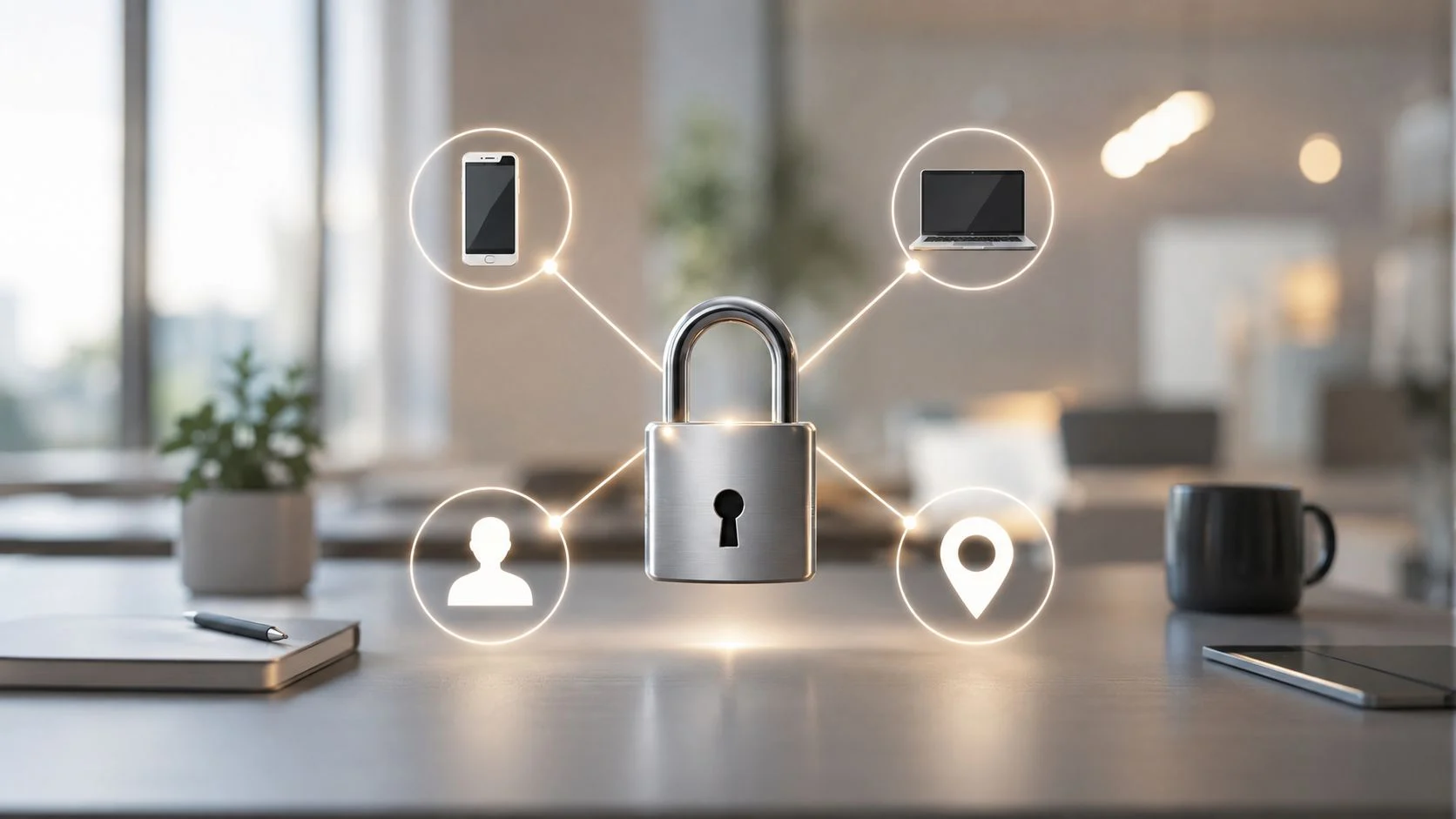
So, what is two-factor authentication? Often shortened to 2FA, it’s a security process that demands two different methods of verification to confirm you are who you say you are. It acts as a powerful extra layer of defence for your accounts, ensuring that even if a cybercriminal manages to steal your password, they still can’t get in without that second crucial piece of proof. This simple step makes it incredibly difficult for unauthorised users to access your sensitive information.
At Tbourke Solutions, we help Australian businesses implement effective 2FA strategies as a core part of our managed IT services. We take the complexity out of the process, ensuring your digital assets are properly protected so you can focus on what matters most.
How Two-Factor Authentication Works in Simple Terms
Think of your online accounts like a high-security bank vault. Your password is the first key, but if a thief steals it, they can walk right in and take everything.
Two-factor authentication adds a second, completely different lock that requires a separate, unique key. The clever part is that this second key is something only you have access to in that specific moment.
The process works by combining two distinct elements to prove it’s really you:
- Something you know: This is your classic password or PIN. It’s the first line of defence.
- Something you have: This could be your smartphone (for a code), a physical security key you plug in, or even your fingerprint.
By demanding both, 2FA creates a formidable barrier. A criminal might be able to guess or steal your password from a data breach, but it’s highly unlikely they’ll also have your phone in their hand to receive the time-sensitive verification code.
For a clearer picture, here’s a quick breakdown of how these factors work together.
Two Factor Authentication At a Glance
This table breaks down the core components of 2FA for quick understanding, showing how different verification methods work together to enhance security.
| Factor Category | Description | Example |
|---|---|---|
| Knowledge | Something only you should know. This is the most common factor but also the most vulnerable to theft. | Your password, a PIN, or answers to security questions. |
| Possession | A physical item you have with you. This makes it much harder for a remote attacker to gain access. | Your smartphone (receiving an SMS or app notification), a USB security key (like a YubiKey), or a key fob. |
| Inherence | A unique biological trait. This factor is the hardest to duplicate and is tied directly to you as a person. | Your fingerprint, a facial scan (like Face ID), or a voiceprint. |
As you can see, combining a password with a code from your phone or a fingerprint scan makes your account exponentially more secure than relying on a password alone.
The effectiveness of this method is remarkable. Research from industry leaders like Microsoft shows that implementing 2FA can block up to 99.9% of automated cyberattacks, making it one of the most powerful and accessible security measures available.
How Two Factor Authentication Actually Works
So, what does 2FA look like when you’re actually logging in? The whole process is much simpler than it sounds, but it adds a seriously powerful security step to your accounts.
Picture this: you’re trying to access your business email, which is a massive target for cybercriminals. First, you pop in your username and password, just like you always do. That’s the first factor: something you know.
But then, instead of going straight through, another prompt appears. This is where two-factor authentication kicks in, asking for the second factor: something you have. The system needs you to prove you’ve got your trusted device on hand before it will let you in.
Common 2FA Verification Methods
There are a few common ways you’ll be asked to provide this second piece of proof:
- SMS Codes: A one-off, temporary code gets sent to your mobile as a text message. You just type that code into the login screen. Simple.
- Authenticator Apps: Apps like Google Authenticator or Microsoft Authenticator generate a fresh, time-sensitive code on your phone every 30 seconds. Open the app, see the code, and type it in.
- Push Notifications: This is often the easiest. Instead of a code, a notification pops up on your phone asking you to either approve or deny the login attempt with a single tap.
- Physical Security Keys: These are small hardware devices, often looking like a USB stick. You plug it into your computer and tap it to prove it’s you.
This diagram gives you a clear picture of a typical 2FA login, starting with the password and then moving to that second check on a mobile device.

As you can see, the process creates two separate checkpoints. This ensures that even if a criminal manages to steal your password, it’s basically useless without also having your phone or security key in their hand.
That tiny extra step is quick and pretty seamless for you, but it builds a massive wall of protection around your accounts. Getting this set up correctly is vital, especially for your most important accounts. If you’re starting from scratch, you can learn more by reading our guide on how to set up business email securely.
At Tbourke Solutions, we help businesses put the right 2FA methods in place for their needs. We make sure the process is smooth for your team while being incredibly tough for attackers to get past, strengthening your security without causing unnecessary headaches.
Comparing the Different Types of Authentication Methods
Not all two-factor authentication methods are created equal. Some are incredibly easy to use, while others offer near-bulletproof security. The right choice often comes down to balancing robust protection with day-to-day convenience.
Understanding the pros and cons of each option is the key to making a smart decision for both your personal and business accounts. Let’s break down the most common methods you’ll run into.
Common Authentication Methods Explored
Here’s a quick rundown of the main 2FA options, from the most common to the most secure.
- SMS Codes: This is the one everyone knows. You try to log in, and a one-time code gets sent to your phone via text message. It’s popular because it’s familiar and doesn’t need a special app. The downside? It’s the least secure option. It’s vulnerable to “SIM-swapping,” an attack where a scammer convinces your mobile provider to switch your number to their device, giving them access to your codes.
- Authenticator Apps: Apps like Google Authenticator or Microsoft Authenticator generate a fresh, time-sensitive code every 30 seconds right on your device. This is a huge leap in security from SMS because the code is never sent over a mobile network, which shuts down the risk of SIM-swapping completely.
- Biometric Verification: Using your fingerprint or face to log in (think Apple’s Face ID) is a brilliant mix of high security and pure convenience. It’s fast, simple, and incredibly difficult for a hacker to fake. Biometrics are quickly becoming the standard for locking down mobile phones, which are often the keys to your entire digital kingdom.
- Physical Hardware Tokens: For absolute maximum security, nothing beats a physical hardware key. These are small devices, usually looking like a USB stick, that you need to physically have with you. To approve a login, you plug it in and tap a button. Because the key has to be physically present, it’s practically immune to phishing and other remote attacks, making it the top choice for high-stakes accounts.
This image gives you a simple visual comparison of how these methods stack up.

Infographic compares SMS codes, authenticator apps, and hardware tokens for two-factor authentication, rating each for security strength and user convenience with horizontal bars showing different levels.
As you can see, there’s usually a trade-off between the strongest security and what’s easiest to use every day.
Comparing Common 2FA Methods
To make it even clearer, here’s a table comparing the most popular 2FA methods side-by-side.
| Method | Security Level | Convenience | Best For |
|---|---|---|---|
| SMS/Text Message | Low | Very High | Basic accounts where convenience is the top priority. |
| Authenticator App | High | High | Everyday use for email, social media, and cloud services. A great balance. |
| Biometrics | High | Very High | Securing mobile devices and apps that support fingerprint or face scans. |
| Hardware Key | Very High | Medium | Protecting high-value targets like financial accounts, business admin panels, and crypto wallets. |
Choosing the right tool for the job is a critical part of a strong security posture. For most day-to-day accounts, an authenticator app hits that sweet spot. But for protecting sensitive business data or your financial assets, a hardware key is the undisputed gold standard.
At Tbourke Solutions, we help businesses choose and roll out the right authentication methods for their needs. Securing every access point is a core part of our strategy, which you can read more about in our guide on what is endpoint security. We’ll help you find that perfect balance between airtight protection and a smooth experience for your team.
Why 2FA Is Essential for Australians Today
Let’s be blunt: in the face of rising digital threats, two-factor authentication is no longer a ‘nice-to-have’ for Australians—it’s a fundamental necessity. Passwords alone are a fragile defence against the constant barrage of cyberattacks targeting individuals and businesses right across the country.
Think of implementing 2FA as adding a digital deadbolt to your front door. It provides a crucial second layer of security that protects you from common threats like rampant data breaches, sophisticated financial fraud, and devastating identity theft.

For Australian businesses, this is about more than just protecting data. It’s about building and maintaining trust with your customers. Adopting strong authentication shows you take cybersecurity seriously, which helps protect your reputation and meet growing compliance standards.
The Growing Demand for Stronger Security
This shift towards stronger security isn’t just a trend; it’s a market that’s rapidly expanding to meet a critical need. In Australia, the multi-factor authentication market was valued at USD 308 million and is projected to surge to over USD 1 billion by 2033. This growth is fuelled by a growing awareness of data protection and the sheer volume of cyber-attacks. You can read more about the Australian MFA market growth.
This significant investment sends a clear message for everyone:
- For Individuals: 2FA is your personal defence against having your email, banking, or social media accounts compromised.
- For Businesses: It’s a non-negotiable tool for safeguarding sensitive company and client information, securing remote access for staff, and proving your organisation takes security seriously.
By making it exponentially harder for criminals to breach your accounts, you are taking a powerful, proactive step to secure your digital life and operations.
Understanding what two-factor authentication is is the first step, but implementing it is what truly matters. At Tbourke Solutions, we help Australian businesses navigate this essential security upgrade. We specialise in setting up robust and user-friendly MFA systems, ensuring your operations are protected without causing friction for your team. We make security straightforward, so you can focus on running your business with confidence.
How Tbourke Solutions Secures Your Business with MFA
Ready to protect your business but not quite sure where to start? That’s where we come in. At Tbourke Solutions, we specialise in setting up robust multi-factor authentication (MFA) strategies designed specifically for Australian businesses. We take a complex security task and make it a simple, effective part of your daily operations.

Our process kicks off with a proper look at your unique security needs. We find the potential weak spots across your systems and then roll out a seamless MFA solution that protects your critical data without getting in your team’s way.
We handle all the technical heavy lifting behind the scenes. This frees you up to focus on running your business, knowing your digital assets, staff, and customers are shielded by a powerful, modern security framework.
Our Approach to MFA Implementation
Our goal is to make top-tier security accessible and totally manageable. Here’s how we do it:
- Assessing Your Needs: We start by analysing your specific risks and how you operate day-to-day. This helps us recommend the best MFA methods for your business—no one-size-fits-all solutions here.
- Seamless Deployment: We guarantee a smooth rollout with minimal disruption. We’ll also provide straightforward training and support to get your team comfortable and confident from day one.
- Ongoing Management: Security isn’t a “set and forget” job. We provide continuous support, tweaking and adapting your defences as new online threats pop up.
By partnering with us, you’re not just ticking a security box. You’re putting in place a comprehensive strategy built to handle today’s real-world threats.
Let us help you strengthen your digital front door. Explore our full range of cybersecurity services to see how we can protect your entire operation.
Clearing Up Common Myths About Two Factor Authentication
Even with all the benefits, some people still hesitate to switch on two-factor authentication, usually because of a few persistent myths. Once you tackle these common misconceptions head-on, it’s easy to see that the security payoff is well worth the tiny bit of extra effort.
Let’s debunk a couple of the most common ones.
Myth 1: It Is Too Complicated
One of the biggest hurdles for people is the belief that 2FA is difficult and a hassle to use every day. But modern authentication apps have made the whole thing incredibly simple. Often, it’s just a single tap on a push notification to approve a login.
The entire process adds maybe a few seconds, but it gives your account a massive security boost.
Another common myth? That a really strong password is all you need. While a complex password is a great start, it’s far from foolproof. Passwords get stolen in data breaches all the time, guessed by powerful software, or tricked out of you through clever phishing scams.
Two-factor authentication is your backup. It ensures that even if a cybercriminal gets your password, it’s completely useless to them.
Believing that passwords alone are sufficient is a significant security blind spot. 2FA is specifically designed to close this gap by adding a verification layer that a remote attacker cannot easily bypass.
At Tbourke Solutions, we get it. We help businesses put user-friendly 2FA systems in place that protect your data without causing frustration. Proper setup and a bit of education are key, which is why we offer comprehensive cybersecurity training for employees to make sure everyone feels confident and secure.
Got Questions About 2FA?
Even with a good handle on what two-factor authentication is, a few common questions always pop up. Getting these sorted can give you the confidence you need to start using it everywhere.
What Happens If I Lose My Second Device?
This is a big one, but don’t worry—most services have a plan for this. When you set up 2FA, you’re usually given a set of single-use backup codes. Store these securely in a password manager or even a locked safe. These codes are your lifeline, letting you get back into your account if you lose your phone.
Is 2FA the Same as Multi-Factor Authentication?
Good question. Two-factor authentication (2FA) is actually a specific type of Multi-Factor Authentication (MFA). Think of MFA as the main category, meaning you need more than one proof of identity. 2FA is just the version that requires exactly two proofs. So, all 2FA is MFA, but not all MFA is 2FA.
This isn’t just tech jargon; it matters for compliance. For example, the Australian Government now requires MFA for IP Australia’s online services to better protect intellectual property, with the change taking full effect from September 2025. You can get more details about this IP Australia requirement here.
While 2FA dramatically boosts your security and stops most automated attacks, no single method is completely foolproof. It makes a hacker’s job incredibly difficult, but you should still be cautious of phishing scams.
Navigating these security measures can feel complex, but you don’t have to go it alone. Tbourke Solutions specialises in implementing robust, user-friendly MFA solutions for Australian businesses, ensuring you meet compliance standards and keep your data safe. Secure your business today by visiting http://tbourke-solutions.com.au/.
Share This Story, Choose Your Platform!