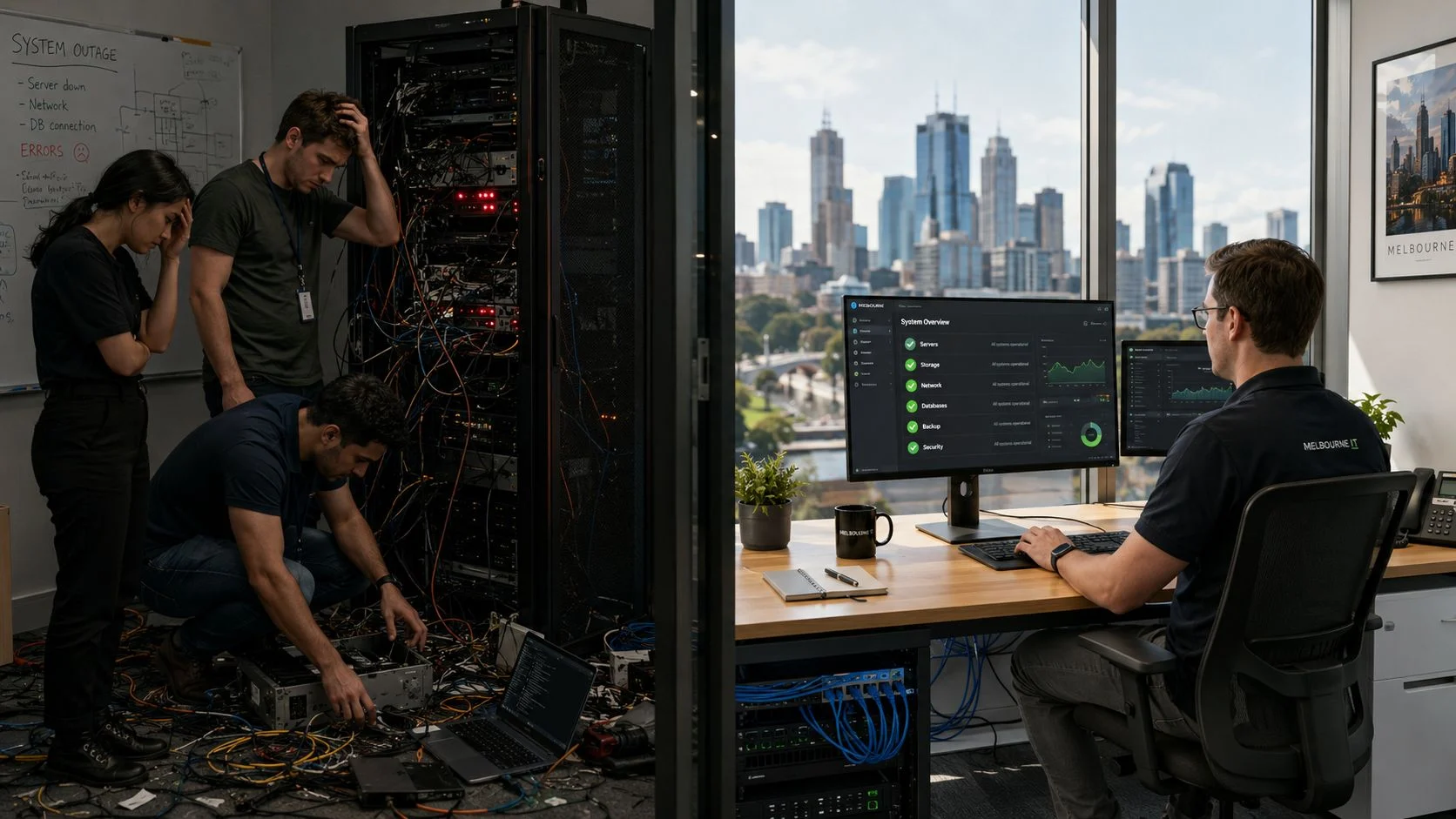
When you’re running a business or a school, IT support isn’t just a line item on the budget—it’s a strategic choice. The decision often comes down to two very different philosophies: Break/Fix is reactive, while Managed IT is proactive.
With a Break/Fix model, you call for help when something breaks. A server goes down, a computer won’t boot, and you pay a technician by the hour to get things working again. It’s a simple, transactional relationship.
On the other hand, Managed IT is about preventing those breakdowns in the first place. You pay a predictable monthly fee for a team to continuously monitor, maintain, and secure your systems. The goal isn’t just to fix problems, but to stop them from ever disrupting your work.
TL;DR: The Short Answer for Busy Leaders
The pay-as-you-go nature of Break/Fix might feel cheaper at first glance, but it often leads to a string of surprise bills, costly downtime, and lingering security risks that add up to a much higher total cost of ownership. In contrast, Managed IT provides a predictable monthly cost and a proactive strategy that keeps your team productive and your data secure. For any organisation that depends on technology to operate smoothly and safely, Managed IT is almost always the smarter long-term investment.
The Core IT Dilemma: Break/Fix vs. Managed Services
Understanding the Two Models
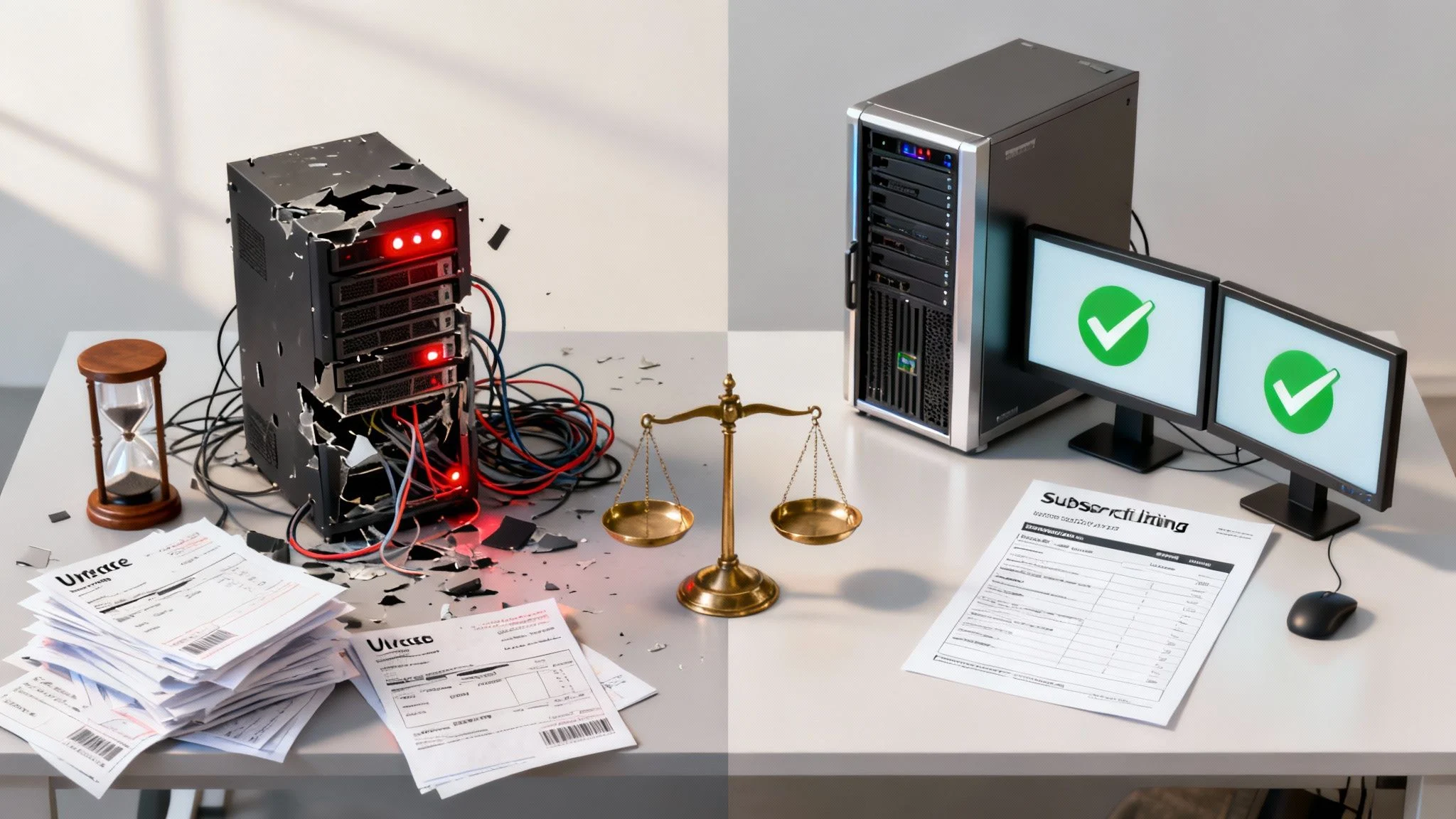
Choosing your IT support model directly impacts your productivity, security, and bottom line. The Break/Fix approach is purely transactional. When a staff member’s computer fails or a server crashes, you call a technician, they fix that one issue, and you get a bill for their time and any parts. It’s straightforward.
A Managed Services Provider (MSP), however, works as a long-term partner. We’ve put together a detailed guide on what are MSPs if you’d like to dive deeper. The focus is on prevention through constant system monitoring, security patching, and regular maintenance. We aim to keep your technology running smoothly, not just react when it fails.
Here’s a simple breakdown of the two approaches:
| Feature | Break/Fix Model | Managed Services Model |
|---|---|---|
| Approach | Reactive (Wait for something to break) | Proactive (Prevent things from breaking) |
| Cost Structure | Unpredictable, hourly rates + parts | Predictable, fixed monthly fee |
| Business Focus | Fixing today’s immediate problems | Long-term IT health and strategy |
| Downtime Risk | High and unpredictable | Low and managed |
| Relationship | Transactional, vendor-client | Strategic partnership |
Ultimately, this isn’t just a technical decision. It’s about deciding if you want an IT service that acts like a firefighter, rushing in during an emergency, or one that acts like a security guard, constantly patrolling to keep trouble away.
When to Get Help
If you’re constantly putting out IT fires, worrying about the latest cyber threats, or seeing your team get sidetracked by tech issues, it’s a clear sign the reactive model isn’t working for you anymore. These aren’t just minor inconveniences; they’re genuine risks to your organisation’s stability and growth. When these scenarios start to feel familiar, it’s time to think more strategically. Please feel free to reach out via our contact page to discuss how a proactive approach can help.
The Bottom Line for Business Owners
If you’re a busy business owner, here’s what you really need to know when comparing the two IT support models.
On the surface, the ‘pay-as-you-go’ Break/Fix model looks like the cheaper option. But this reactive approach often leads to bigger bills down the track, with unpredictable downtime and surprise costs hitting when you can least afford them.
Managed IT, with its predictable monthly fee, might seem like a bigger upfront commitment. In reality, it’s a proactive investment that minimises costly disruptions and tightens up your security. For any organisation that relies on its technology to operate, it’s the smarter long-term strategy. Exploring the full benefits of managed IT services shows just how this forward-thinking approach protects your business from the unexpected.
This guide will give you the detailed breakdown you need to make the right call for your business’s stability and future growth.
The True Cost of IT Support: A Detailed Financial Breakdown
When you’re looking at IT support, the price on the invoice is only the beginning of the story. To really understand the financial difference between a break/fix arrangement and a managed IT service, you need to look at the Total Cost of Ownership (TCO) – a concept that pulls in every single direct and indirect expense.
The appeal of the break/fix model is easy to see: it’s a pay-as-you-go system. No monthly fees can feel like a win for businesses watching every dollar. But this model is built on unpredictability. Costs are all over the place, tied to hourly rates that can spike for after-hours emergencies, plus the sudden expense of replacement parts.
On the other hand, managed IT services run on a predictable, subscription-based fee. This stability is a game-changer for budgeting, turning IT from a volatile, reactive cost into a planned investment. That monthly fee covers the proactive maintenance, monitoring, and support designed to stop the very failures that send break/fix bills through the roof.
Uncovering the Hidden Costs of Break/Fix
The biggest financial hit from the break/fix model isn’t the repair bill itself. It’s the silent killer: downtime. When a critical system goes down, the clock starts ticking on lost productivity and lost revenue. Every hour your team can’t work or serve clients is a real, tangible financial loss that makes the technician’s hourly rate look tiny in comparison.
Employee productivity just tanks during an outage. Staff are either completely idle or trying to get by without the tools they need, which is massively inefficient. This lost labour cost is a direct hit to your bottom line, and it’s a number you’ll never see on a break/fix invoice.
A single major IT failure can be financially devastating. The cumulative cost of lost sales, employee wages during downtime, and reputational damage can easily eclipse an entire year’s worth of proactive managed IT fees.
This chart paints a clear picture of the relationship between cost and risk for both models.
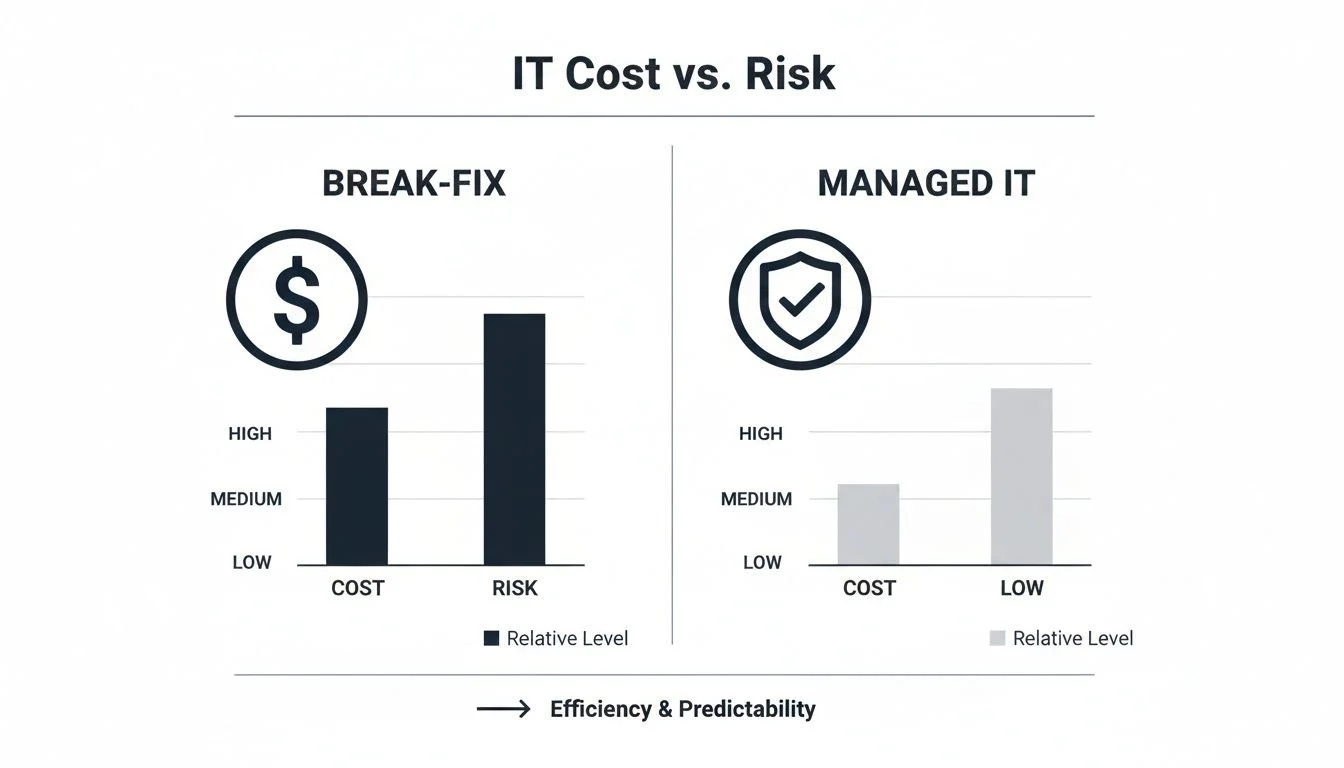
As you can see, while the upfront cost of break/fix might seem lower, the risk you’re taking on is substantially higher. Managed IT, in contrast, balances predictable costs with dramatically lower risk.
Calculating the Real-World Financial Impact
Let’s ground this with a realistic scenario for a Melbourne business. Here in Australia, sticking with a break/fix model often leads to much higher costs in the long run. A recent NSW Small Business Cyber Grant report found that reactive businesses spent 2.4 times more on breach recovery than businesses with proactive managed services.
Think about a typical SME with 20 employees. A cyber incident that stops work for just 4 hours could cost $12,000 in lost productivity alone (at a conservative $150 per employee hour).
To see this play out over time:
- Year 1: Break/fix might seem cheaper, with minor issues costing maybe $5,000.
- Year 2: A critical server crashes. Suddenly you’re looking at $8,000 in repairs, $36,000 in downtime, and $15,000 in lost sales. That’s a staggering $59,000 hit.
If you want a relatable consumer example, check out this guide to mobile phone repair costs and DIY risks. Just like a smashed phone screen isn’t only about the repair bill but the cost of being disconnected, an IT issue for a business has massive knock-on effects for the entire operation.
To make this even clearer, the table below shows a hypothetical annual cost comparison for a small business with 20 staff, factoring in both direct fees and the indirect cost of downtime under both models.
Hypothetical Annual Cost Comparison SME with 20 Employees
| Cost Factor | Break-Fix Model (Reactive) | Managed IT Model (Proactive) |
|---|---|---|
| Direct IT Spend | $0 (base) + $8,000 (avg. repairs/yr) | $2,000/month x 12 = $24,000 |
| Downtime Events | 2 major events (8 hrs total) | 1 minor event (1 hr total) |
| Cost of Downtime | 8 hrs x 20 staff x $150/hr = $24,000 | 1 hr x 20 staff x $150/hr = $3,000 |
| Lost Revenue | Estimated $10,000 | Estimated $1,000 |
| Total Annual Cost | $42,000 | $28,000 |
Even with conservative numbers, the proactive approach of managed IT results in significant savings once you account for the true cost of downtime and lost business.
Total Cost of Ownership: A Clearer Picture
Thinking in terms of TCO is essential for making a sound financial decision. It forces you to look at the whole picture, not just the initial quote.
Break/Fix TCO Factors:
- Variable Labour Costs: Unpredictable hourly rates, after-hours surcharges, and emergency call-out fees.
- Hardware and Software Costs: Usually bought in a panic at premium prices.
- Downtime Costs: Lost revenue and employee productivity during every outage.
- Reputational Damage: The long-term cost of losing customer trust after a disruption or data breach.
Managed IT TCO Factors:
- Fixed Monthly Fee: A predictable operational expense that covers all proactive services.
- Strategic Budgeting: Planned hardware and software upgrades are part of your IT roadmap.
- Minimised Downtime: Proactive maintenance massively reduces the frequency and impact of outages.
- Enhanced Security: A lower risk of costly data breaches and compliance penalties.
Ultimately, smart financial management is about forecasting and mitigating risk, not just reacting to bills as they come in. For a deeper dive into planning your technology spend, our IT budget planning guide offers practical steps for businesses of all sizes. The predictable nature of a managed services plan gives you the financial clarity needed to invest confidently in your organisation’s future.
Analyzing the Risk Landscape: Downtime, Security, and Compliance
Beyond the numbers on an invoice, your choice of IT support directly shapes your organisation’s risk profile. The reactive nature of break/fix doesn’t just invite problems—it practically guarantees them across three critical areas: downtime, security, and compliance. Each one is a ticking time bomb for your operations, reputation, and bottom line.
A managed IT service, on the other hand, is built from the ground up to defuse these threats. It’s a fundamental shift from reactive fire-fighting to proactive risk management, turning your technology from a potential liability into a protected asset. This break/fix vs. managed IT cost and risk comparison will show you exactly how each model stacks up against the real-world threats businesses face.
The Inevitable Threat of Downtime
With a break/fix model, downtime isn’t a question of if, but when and for how long. Something has to break before you even pick up the phone. Then the clock starts ticking: you identify the problem, call a technician, wait for them to show up, diagnose the issue, and finally, start the fix. Every step is another hour of lost productivity.
For Australian small to medium businesses, this isn’t a minor inconvenience; it’s a financial drain. A small firm with just 10 users can lose $12,000 AUD in productivity from a single 8-hour outage. In sharp contrast, the proactive monitoring and SLA-backed response times of a managed IT plan can slash that downtime by up to 80%.
The core flaw of the break/fix model is that it aligns the technician’s incentives with your problems. Their revenue is generated by your failures, not by your stability.
A managed services provider (MSP) flips this script. Our business model thrives on keeping you online. Through 24/7 monitoring and preventative maintenance, we spot and resolve potential issues long before they ever affect your team. Your stability is our success.
Navigating the Modern Cybersecurity Maze
When it comes to security, the gap between the two models becomes a chasm. The break/fix approach leaves massive, dangerous holes in your digital defences. Without someone constantly monitoring, patching, and updating your systems, you’re an easy target for the automated cyberattacks that relentlessly scan the web for vulnerabilities.
You might call a technician to clean up a malware infection, but by then, the real damage is done. Your data may have been stolen, your systems compromised, and your reputation on the line. In a world of constant, evolving cyber threats, this reactive stance just doesn’t cut it anymore.
Managed IT services treat security as what it is: a continuous, vigilant process. This includes:
- Proactive Patch Management to close security holes before attackers find them.
- Continuous Network Monitoring to detect and shut down suspicious activity in real-time.
- Managed Antivirus and Firewall solutions that are always up-to-date and configured correctly.
- Employee Security Training to turn your team into a human firewall against phishing and scams.
The Challenge of Regulatory Compliance
Meeting industry and government regulations is a growing headache for organisations, especially in sensitive sectors like education, finance, and healthcare. Compliance isn’t a “set and forget” task; it demands constant vigilance, documentation, and adherence to strict security controls.
Trying to manage this with a break/fix model is a recipe for disaster. You have no way to prove your systems are consistently secure because there’s no proactive monitoring or standardised process in place. This can lead to failed audits, hefty fines, and losing client trust.
In Australia, frameworks like the Australian Cyber Security Centre’s Essential Eight are the gold standard for robust security. An MSP can implement and maintain these controls for you, providing the reports and documentation needed to prove compliance. If you want to understand these controls better, we have a detailed breakdown of the ACSC Essential Eight framework that explains its importance for businesses today. This proactive approach ensures you not only meet your obligations but build a genuinely secure IT environment.
Knowing When You Need Professional IT Support
Recognising the moment your business outgrows a reactive IT model is a huge turning point. It’s not a sign of failure; it’s a natural part of growth, showing that your technology needs have become more sophisticated. The cracks in a break-fix approach start to show as painful, recurring symptoms that disrupt your workflow and stunt your progress.
If your team is constantly sidetracked by the same nagging tech problems, that’s a massive red flag. These aren’t just minor annoyances; they are productivity killers, pulling your staff away from their core jobs and forcing them into the role of amateur IT troubleshooters. Once you start calculating the hours lost to fixing printers, resolving software glitches, or rebooting servers, the hidden costs become painfully obvious.
Key Indicators It’s Time for a Change
Another clear sign is the anxiety that builds around your IT. This might feel like a constant worry about cybersecurity gaps or the fear that a major downtime event could wipe out a day’s revenue. If you don’t have a clear technology roadmap and are making IT decisions in a panic rather than strategically, you’re operating at a serious disadvantage.
Consider these clear warning signs:
- Recurring Issues: The same problems keep popping up, disrupting work and frustrating your team.
- Productivity Loss: Staff spend valuable time on tech support instead of their actual jobs.
- Growing Security Concerns: You feel unprepared to handle modern cyber threats like phishing or ransomware.
- Unplanned Downtime: System crashes or outages have already cost you money and damaged client trust.
- No Strategic Plan: Your technology is just a collection of reactive purchases, not a planned ecosystem built to support your goals.
When the time your team spends fighting technology outweighs the time they spend using it effectively, you’ve gone past the point where a reactive model makes sense. This is the moment to seek professional guidance.
If these scenarios sound familiar, it’s a clear signal to move toward a more stable and strategic IT future. As you look at your options, it’s worth seeing what’s out there; you can even explore modern professional IT support options to get a feel for the evolving landscape.
To talk about how a proactive approach can solve these challenges for your business, we encourage you to get in touch. Submit a query on our contact page and let’s start the conversation.
So, Which Model is Right for Your Organisation?
Deciding between Break/Fix and Managed IT isn’t a one-size-fits-all situation. The right answer really comes down to your organisation’s DNA—its size, how much you lean on technology every day, and where you see yourself in a few years. Let’s walk through a simple framework to help you make a smart, strategic decision.
This isn’t just a tech choice; it’s a fundamental business one. The model you pick will directly shape your day-to-day stability, your security, and your ability to grow without being held back by tech headaches.
For New Micro Businesses and Sole Traders
There are a few, very specific situations where a Break/Fix model can work, at least for a little while. If you’re a brand new micro-business or a sole trader with a tiny tech footprint—maybe just a single computer for basic admin—the pay-as-you-go approach can feel appealing at first.
If you can afford to be without your main computer for a day or two and you don’t handle any sensitive client information, the risk of downtime is pretty low. In this narrow scenario, avoiding a monthly fee can be a practical move while you get your business off the ground.
But think of this as a temporary fix. The moment your business starts to grow, take on client data, or needs that computer to actually make money, the risks of the Break/Fix model quickly start to overshadow the initial savings.
For Growing SMEs and Schools
For any growing small business (SME), school, or organisation where technology is woven into the fabric of your daily work, Managed IT is no longer a luxury—it’s a strategic must-have. When your team’s productivity, your customer data, or your students’ learning depends on your network, you simply can’t afford to gamble with unpredictable downtime.
Here are the signs that you’ve outgrown the reactive model:
- Operational Dependence: If a system outage would bring your business to a screeching halt—stopping you from serving clients, processing orders, or teaching a class—the risk is just too high.
- Scalability: As you hire more staff or enrol more students, a Managed IT partner makes sure your tech infrastructure grows with you, smoothly and securely.
- Security and Compliance: If you handle sensitive data like student records or customer payment details, you need a proactive security strategy to meet your obligations and protect your good name.
For any organisation on a growth trajectory, Break/Fix is a liability. It keeps you stuck in a reactive cycle of putting out fires, while a Managed IT partnership builds the stable, secure foundation you need to drive that growth forward.
A Framework for Your Decision
To get some clarity, measure your organisation against these three core pillars. This quick self-assessment will show you which path lines up with where you are now and where you want to go.
- Assess Your Technology Dependence: On a scale of 1 to 10, how vital is your IT to your daily operations and revenue? A score of 5 or higher is a strong signal that you need the reliability of Managed Services.
- Evaluate Your Risk Tolerance: What would a full day of downtime really cost you in lost money and reputation? If that number makes you wince, your risk tolerance is low, making the proactive protection of Managed IT essential.
- Consider Your Growth Ambitions: Are you planning to expand your team, services, or customer base in the next 1-2 years? If the answer is yes, you need a scalable IT framework that a Managed Services Provider is built to deliver.
How Tbourke Solutions Can Help
At Tbourke Solutions, we deliver secure, reliable, and transparent IT support for small to medium enterprises, schools, and families across Melbourne. Our Managed IT plans are built on customised strategies that grow with your organisation, with no hidden costs or confusing jargon. We provide proactive system monitoring, advanced cybersecurity, cloud management, and strategic IT consulting. Our goal is to become your trusted local partner, helping you move from the stress of reactive IT to a stable and secure technology environment. If you’re ready for a more proactive future for your IT, please reach out and submit a query through our contact page.
Our Core Proactive Services
To make this happen, we’ve built a suite of services designed to stop problems before they even start. Our managed IT services are the heart of this philosophy, offering a complete solution that covers all your critical technology needs.
This includes:
- Proactive System Monitoring: We keep a close eye on your network and devices 24/7, spotting and fixing potential issues long before they have a chance to cause frustrating downtime.
- Advanced Cybersecurity Defence: From managed antivirus to strategic software patching, we put layered security in place to shield your organisation from modern threats.
- Cloud Services Management: We make sure your cloud setup is secure, cost-effective, and perfectly aligned with your operational goals for maximum efficiency.
- Strategic IT Consulting: Our team provides the expert, jargon-free guidance you need to make smart technology decisions that support your future growth, not just your immediate needs.
Our aim is to be your trusted local partner, helping you move away from the constant stress of reactive IT failures and into a stable, secure, and predictable technology environment.
If you’re ready to have a conversation about a more proactive future for your IT, please reach out and submit a query through our contact page.
Frequently Asked Questions
Is Managed IT more expensive than Break/Fix?
While you pay a consistent monthly fee, the total cost of Managed IT is often lower over time. Break/Fix costs can spiral with emergency call-out fees, lost productivity during downtime, and expensive data recovery efforts. One major incident can easily cost more than a year’s worth of a managed plan.
Does my small business really need Managed IT?
If technology is crucial to your daily operations, then yes. A freelancer with a single laptop might get by with Break/Fix, but any business with a team, customer data, and a reliance on its systems will benefit from the reliability and security that Managed Services provide.
What is included in a Tbourke Solutions Managed IT plan?
Our plans are customised to your needs but typically include 24/7 system monitoring, automated security patching, managed antivirus and cybersecurity tools, robust data backup and disaster recovery solutions, and unlimited help desk support for your team. Our focus is on preventing problems before they can impact you.
Ready to swap reactive IT stress for a stable, secure technology environment? Tbourke Solutions is your local partner for proactive IT support. To chat about a plan that fits your organisation’s unique needs, just get in touch via our contact page.
Share This Story, Choose Your Platform!